Testimonials
Services
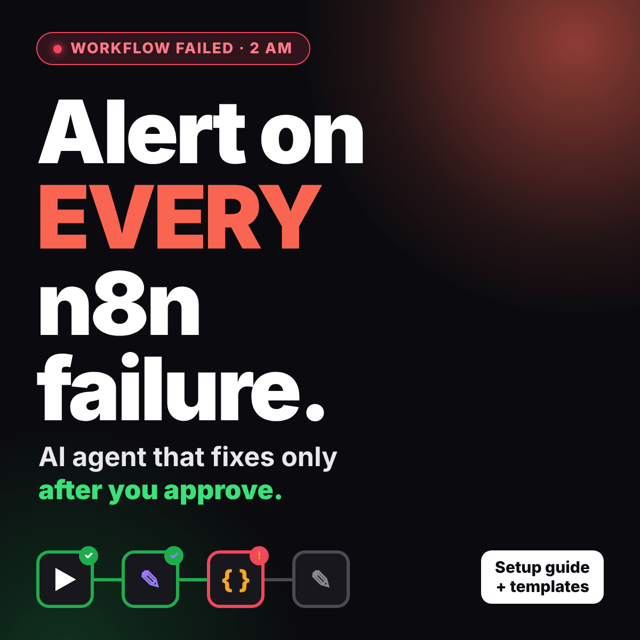
n8n Failure Alerts: AI Agent + Setup Guide
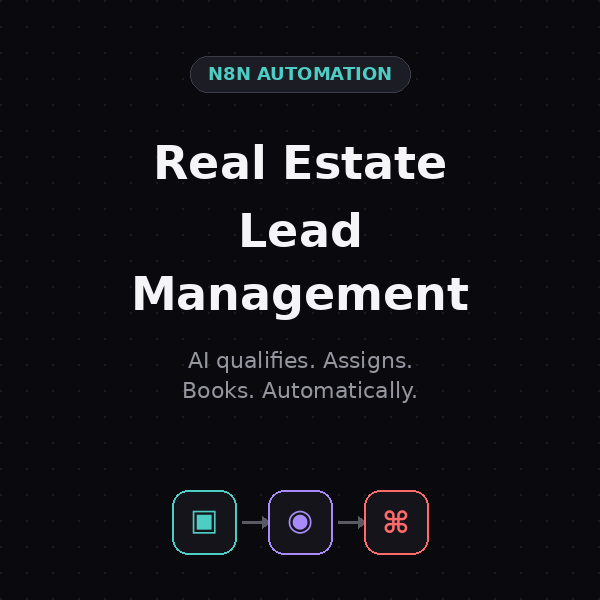
Real Estate Lead Management & Conversion System
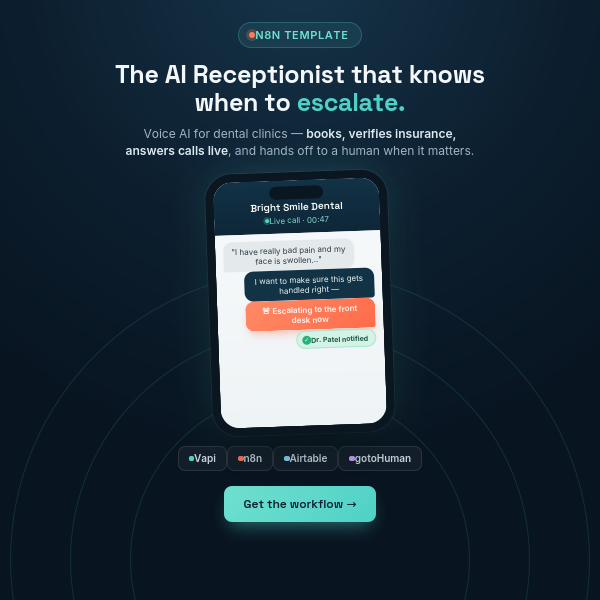
AI Voice Receptionist for Dental Clinics
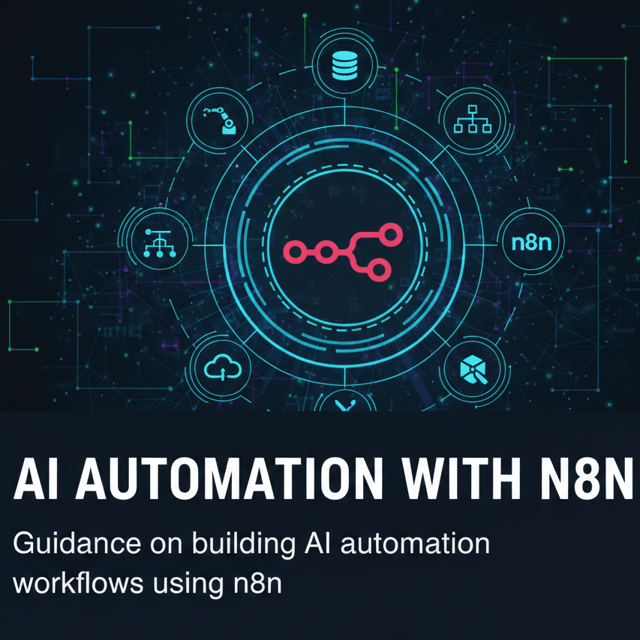
1:1 Mentorship (AI Automation using n8n)
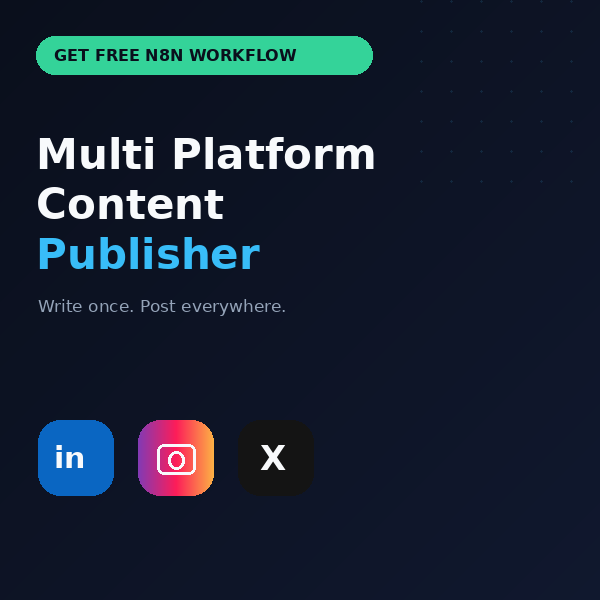
Multi Platform Content Publisher Automation
Get a Free n8n Roadmap For Your Domain
1:1 Mentorship (Vibe Coding)
About me
- Divyanshu Gupta is praised for his expertise in AI, valuable insights, professionalism, and engaging discussions, making him a reliable collaborator.
 AI-generated based on testimonials
 - n8n Certified Creatorhttps://n8n.io/creators/divyanshugupta/
Frequently asked questions
What is n8n workflow automation?
n8n workflow automation is the practice of connecting your apps, APIs, and AI models into automated workflows using n8n, a visual low-code tool. Instead of manually copying data between spreadsheets, CRMs, email tools, or chat apps, you build a workflow once and n8n runs it automatically whenever a trigger occurs — like a new form submission, email, or payment. Each step is a "node," and nodes pass data to each other, so you can add logic, conditions, and AI steps with minimal coding.
What is n8n automation used for?
n8n is used to automate repetitive tasks such as capturing leads into a CRM, syncing data between Google Sheets and email tools, processing invoices, publishing content across multiple platforms, summarizing emails with AI, and running chatbots. Freelancers use it to deliver client automations, small businesses use it to cut manual work, and teams use it to connect tools that don't talk to each other natively. Because the n8n automation tool offers hundreds of app integrations plus custom API calls, it handles everything from simple two-step tasks to complex AI-driven workflows.
What is AI automation and how does it work?
AI automation combines traditional rule-based workflow automation with AI models that can read, write, classify, and make decisions. A normal automation only follows fixed rules, while AI automation understands unstructured data — it can read a customer email, figure out the intent, draft a reply, extract details from an invoice, or qualify a lead. In practice, you connect an AI model like ChatGPT or Claude to a workflow tool such as n8n: the workflow fetches the data, sends it to the AI with instructions, and routes the AI's output to your CRM, sheet, WhatsApp, or inbox.
How to learn AI automation without coding experience?
Start with no-code and low-code tools instead of programming languages. A practical path is: learn one workflow platform like n8n, understand triggers, actions, and data mapping, then add AI steps using ChatGPT or Claude, and finally build 3–5 real automations for your own work. You can start with a free AI automation course on YouTube or the official n8n tutorials, but progress comes faster from building real projects than from watching theory.
How to learn n8n automation as a beginner?
Start with the official n8n docs and quickstart videos, then rebuild simple workflows like saving email attachments to Drive, adding form responses to a spreadsheet, or sending alerts to Slack or WhatsApp. Explore templates to see how nodes connect, and join the n8n community forum to learn from real use cases. Once basics click, a structured n8n automation course or 1:1 mentorship helps you skip guesswork and build job-ready workflows faster.
How to build n8n workflows from scratch?
Pick one repetitive task, then in the n8n canvas choose a trigger node (like a new email or form submission), add action nodes for each step (filter, transform, AI call, send message), map the data between nodes, and test with sample data before activating. Building n8n workflows gets easier if you keep your first ones to two or three nodes, document logic with sticky notes, and slowly add branching, error handling, and AI steps as you gain confidence.
What are some beginner-friendly n8n automation projects?
Good starter n8n automation projects include extracting invoice data into a spreadsheet, publishing one piece of content to multiple social platforms automatically, summarizing daily emails with AI and sending them to WhatsApp or Slack, pushing form leads into a CRM, and building a simple FAQ chatbot. These projects teach you triggers, data mapping, API calls, and AI integration — the exact skills used in client work.
Where can I find free n8n workflows and n8n automation templates?
n8n has a built-in template library inside the editor, and the n8n community forum shares ready-made workflow JSONs you can import with a simple copy-paste. You'll also find many free n8n workflows shared on GitHub, and ready-made n8n automation templates for specific use cases like invoice processing or content publishing are sold by creators if you want a tested starting point. Always review and test any imported workflow before connecting your real accounts.
How to backup n8n workflows?
The simplest method is exporting each workflow as a JSON file from the n8n editor and storing the files in a GitHub repository or cloud drive. If you self-host n8n, also schedule regular backups of your database, or build a small backup workflow that periodically exports everything. Version-controlling your JSON exports makes it easy to restore workflows or move them between instances.
How much does n8n automation cost?
n8n itself is free if you self-host the Community Edition on your own server — you only pay for the server. The hosted n8n Cloud version is a paid subscription priced mainly on workflow executions, and plans scale as usage grows. Your total cost also includes connected services such as AI API usage (ChatGPT, Claude), email tools, or CRMs, though most beginners start cheap because free tiers plus a small server are enough to learn.
What AI automation tools should I learn first?
Start with n8n as your core workflow platform since it connects everything else. Add ChatGPT or Claude for AI tasks like drafting, summarizing, and classification, learn basic prompt design, and get comfortable with Google Sheets and one CRM since most business automations revolve around them. If you later want to build full apps with AI assistance, explore vibe-coding tools like Lovable, Cursor, or Claude Code — but only after your automation fundamentals are solid.
Are there n8n automation jobs in India?
Yes, demand is growing fast. Indian startups, digital agencies, and overseas clients hiring remotely look for roles like automation engineer, AI automation specialist, and workflow developer where n8n experience is valued. Many professionals also freelance instead, building automations for clinics, agencies, real estate, and e-commerce brands. Pairing n8n with AI integration skills makes you far more hireable, since companies want people who can automate with LLMs, not just connect apps.
How to sell n8n workflows to clients?
Selling n8n workflows works best in two models: done-for-you automation services where you build and maintain systems for a client, and ready-made workflow templates sold at a fixed price. Pick a niche such as clinics, real estate, or e-commerce, identify the repetitive tasks in that industry, and record a short demo video of the workflow in action. Good channels include LinkedIn outreach, Upwork, Fiverr, and niche communities, and charging a setup fee plus a monthly maintenance retainer keeps income flowing after delivery.
How to start an AI automation agency?
An AI automation agency builds automated systems — lead capture, AI chatbots, document processing, content pipelines — for businesses using tools like n8n plus ChatGPT or Claude. To start one: master the stack, build 2–3 portfolio automations, pick a specific niche, offer a discounted pilot to your first few clients, then collect results and testimonials and move to monthly retainers. You don't need a team or office initially — most solo founders run the entire agency with no-code tools.
How to automate a business with AI?
List every repetitive task in the business — answering inquiries, scheduling, invoicing, follow-ups, data entry, content posting — and rank them by time wasted. Then connect your existing tools through an automation platform like n8n and add AI wherever language is involved: an AI receptionist for calls, chatbots for customer questions, OCR for invoices, and AI drafts for emails and social posts. Start with one workflow, measure the hours saved, and expand gradually instead of automating everything at once.