Testimonials
Services
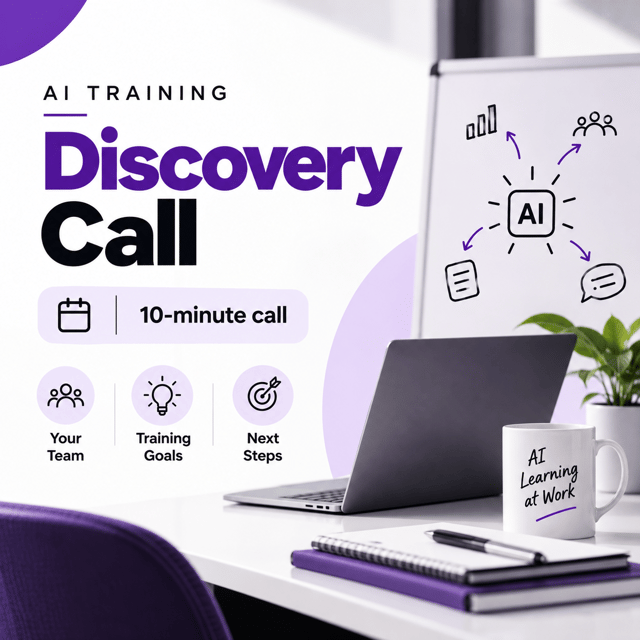
AI Training Discovery Call

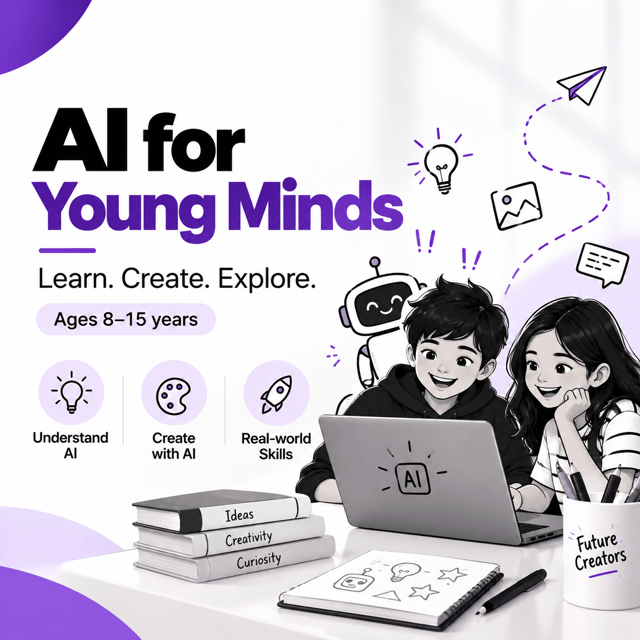
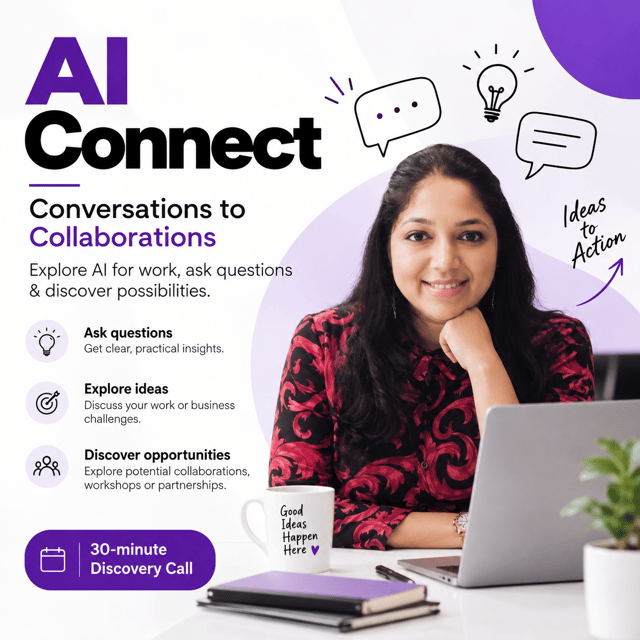
AI Connect | Conversations to Collaborations
About me
Frequently asked questions
What are some AI productivity tools?
Popular AI productivity tools include ChatGPT for writing, brainstorming, and summaries; Gemini for research and drafting; Notion AI for notes and project updates; Otter.ai for auto-transcribing meetings; Canva's AI features for quick designs and presentations; and Zapier for automating repetitive tasks between apps. Non-techies get the best results by starting with one tool, building a daily habit, and adding more only when needed — installing ten apps at once is what creates overwhelm.
Which AI productivity tools for work actually save time every day?
The biggest savers are the ones aimed at your most repeated tasks: ChatGPT or Microsoft Copilot for drafting emails and reports, Grammarly for polished writing, Otter.ai or Fireflies for automatic meeting notes, and Notion AI for organising updates. Pick the task that eats most of your day — usually emails or meeting minutes — and apply AI there first. The time saving becomes visible within the first week itself.
Which AI productivity tools for admin professionals are easy to learn?
Admin professionals can start with ChatGPT for drafting letters, minutes, and checklists; AI features inside Excel or Google Sheets for cleaning and summarising data; Otter.ai for meeting transcriptions; and Canva for quick flyers or internal announcements. None of these require coding — you simply type instructions in plain English, so most people learn the basics in a single afternoon.
Which AI productivity tools in 2026 are worth learning for beginners?
Start with the all-in-one AI assistants — ChatGPT, Gemini, or Copilot — since they now handle text, images, documents, and voice in one place. Add Grammarly for writing and one automation tool like Zapier for repetitive workflows. The biggest mistake beginners make is collecting apps; learning two or three AI productivity tools deeply delivers far more output than chasing every new launch.
How to use ChatGPT for beginners?
Create a free account on ChatGPT's website or app and type your request in plain English — no technical skills needed. Give context and a clear task, for example: "Write a short, polite follow-up email to a client who hasn't replied in five days." Then refine with instructions like "make it shorter" or "use simpler words." Practise 15–20 minutes a day on real tasks such as emails, meeting summaries, or ideas, and you'll be comfortable within a couple of weeks.
Where can I find a free ChatGPT course for beginners?
You can learn free through OpenAI's own starter guides, beginner-friendly YouTube tutorials, and free courses on platforms like Great Learning Academy. A free ChatGPT course for beginners covers the basics well, but if you want to use AI confidently for your actual job, a live hands-on workshop where you practise on your own tasks and get doubts cleared on the spot usually speeds up progress far more than self-paced videos.
Is a ChatGPT for beginners book enough to learn AI?
A ChatGPT for beginners book is useful for understanding what AI can and cannot do, but AI tools update every few months while books stay frozen in time. A smarter mix is a book for fundamentals plus recent tutorials, live workshops, or a mentor for the current versions of the tools. Hands-on practice on your own real work is what finally builds the skill — reading alone rarely does.
What is the best chatbot for everyday use?
For everyday use, ChatGPT and Gemini are the best starting points — both are free, handle writing, research, and planning well, and understand English along with Indian languages. Claude is strong for long documents, and Perplexity suits users who want answers with sources. There is no single best chatbot for everyone, so pick one free option, use it daily for two weeks, and judge by your own results.
How to create a social media marketing strategy?
Keep it to five steps: define exactly who you want to reach, choose the one or two platforms where they actually spend time, plan three or four content themes around their problems, fix a posting frequency you can sustain, and track one clear goal — enquiries, sales, or followers — every month. Review the numbers after 30 days and drop what isn't working. A one-page written plan always beats random posting.
How to create a digital marketing strategy?
Work backwards from a business goal — more leads, more sales, or stronger brand awareness. Identify your ideal customer and the message that matters to them, choose channels such as SEO, social media, email, and paid ads based on where that customer already spends time, then set a budget and a simple monthly target for each channel. Put the whole thing on one page, give it 90 days, and move money toward whichever channel is genuinely producing results.
What is a digital marketing strategy? Explain with an example.
A digital marketing strategy is a plan that decides who you want to reach online, what you will say to them, and which channels you will use to turn attention into business. For example, a career coach targeting working professionals might share practical tips on LinkedIn for visibility, run a weekly newsletter to build trust, and invite readers to book a paid 1:1 consultation — every action has a defined purpose, which is what separates strategy from random posting.
What should a digital marketing strategy for small business include?
A digital marketing strategy for small business needs only the essentials: a sharp picture of your ideal customer, one clear core message, a fast landing page that explains your offer, one or two social channels done consistently, a simple enquiry capture such as WhatsApp Business or a Google Form, and a modest monthly budget for content or ads. Track leads and sales every month — not likes — and improve one thing at a time.
Is a digital marketing strategy course worth it for beginners?
Yes, if it teaches you to build a real plan — audience, message, channels, budget, and measurement — instead of only naming tools. Choose a digital marketing strategy course that includes templates, live examples, and feedback on your own plan, because applying it to your own business is where the real learning happens. For anyone handling marketing alone for a small business or personal brand, structured guidance saves months of expensive trial and error.
How to chat with GPT-3?
You cannot chat with GPT-3 directly — it is an older AI model that powers chatbots, not an app itself. What you actually use is ChatGPT, a free chatbot built on OpenAI's models: create an account, type your question or task in plain language, and the AI responds. The models behind ChatGPT have moved far beyond GPT-3, so if you are starting today, simply use the latest version of ChatGPT rather than searching for the old model.