Testimonials
Services
Snowflake Prime Handwritten Notes | 50+ Pages
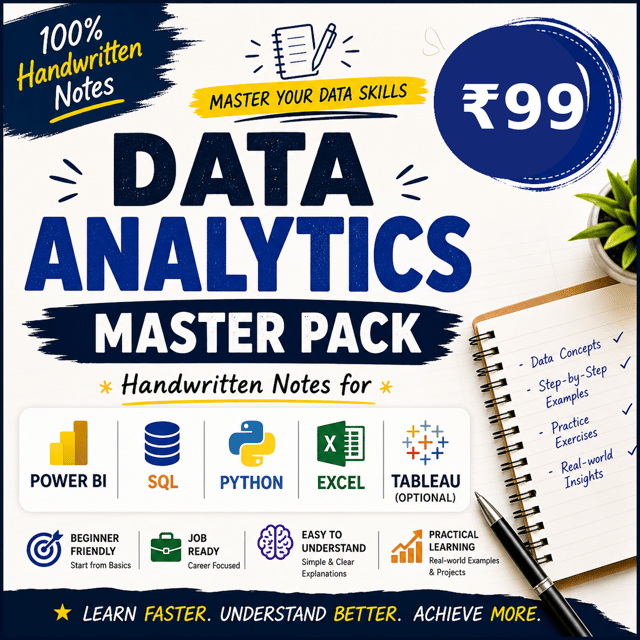
Handwritten Data Analytics Master Pack
ChitChat - Personal Guidance
1:1 Sigma Computing Coaching
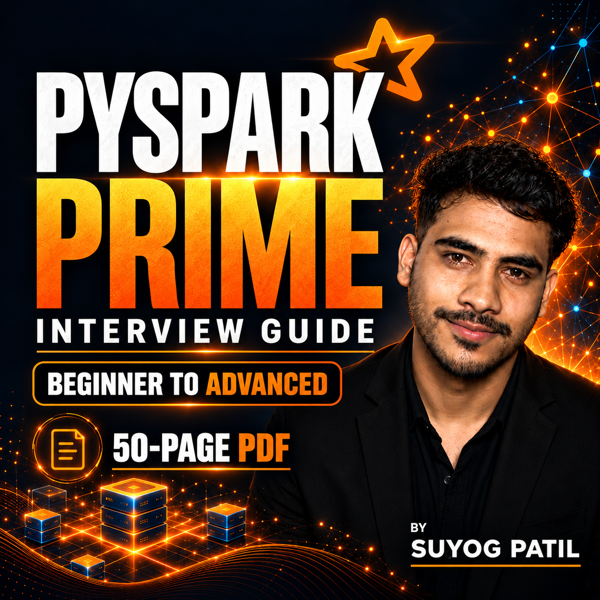
PySpark Prime: 50-Page Interview Guide
Resume Review
Snowflake Mock Interview Prep

Frequently asked questions
What is an ATS friendly resume?
An ATS friendly resume is a resume that an Applicant Tracking System (ATS) can read, parse, and rank correctly. Most Indian companies and MNCs use an ATS to filter resumes before a recruiter ever opens the file, so formatting matters as much as content. It uses a simple single-column layout, standard headings like "Skills", "Experience", and "Education", readable fonts, and keywords matched to the job description. It avoids tables, text boxes, graphics, multiple columns, and image-based text, which ATS software often cannot read. If your resume is not ATS friendly, it can get rejected even when you have the right skills.
How do I make an ATS friendly resume?
If you want to know how to make an ATS friendly resume, start with a clean one-column layout and standard section headings. Tailor keywords to each job description — for data roles that usually means SQL, Python, Excel, Power BI or Tableau, and relevant cloud or ETL tools. Use bullet points with measurable achievements ("built dashboards used by 200+ users") instead of long paragraphs, skip photos, icons, tables, and headers/footers, and keep it to one or two pages. Save it in the format the job posting asks for, then run it through an ATS checker. Most freshers lose interviews because of formatting and keyword gaps, not skills, and a quick professional resume review can catch these issues in a single sitting.
Does using an ATS friendly resume template really help?
Yes. An ATS friendly resume template helps because the structure is already machine-readable — clean headings, no tables or graphics, consistent formatting — so the ATS parses all your details instead of dropping them. What a template will not fix is content: you still need the right keywords, quantified achievements, and role-relevant skills for every application. If you don't want to build a layout from scratch, a template tested to score 90+ on ATS checks, such as the one Suyog Patil offers on Topmate, is a reliable shortcut — especially for freshers applying to many roles in a week.
How can I check whether my resume will pass ATS screening?
Use an ATS friendly resume checker: upload your resume along with the job description, and it gives you a score based on keyword match, formatting, section parsing, and readability. Aim for roughly 75–80 or above, then fix whatever it flags — usually missing keywords from the job description, tables or columns that break parsing, and non-standard headings. Re-check after every major edit, because each job description is different. For data and analytics roles, make sure tools like SQL, Python, and Power BI appear in both your skills section and your project bullets.
What is the right data analyst roadmap for freshers?
A practical data analyst roadmap for freshers looks like this: start with Excel and statistics fundamentals, then learn SQL (the most tested skill in analytics interviews), then Python for data cleaning and analysis, and finally a visualisation tool like Power BI or Tableau. Build two or three portfolio projects on real datasets, document them on GitHub or a blog, optimise your resume and LinkedIn, and only then start applying while preparing for SQL and case-based interviews. Done consistently, this takes about four to six months. Many candidates also download a data analyst roadmap PDF to track each milestone, or follow a structured handwritten data analytics pack so no step gets missed.
What are the most common data engineering interview questions for freshers?
The most common data engineering interview questions for freshers come from five areas: SQL (joins, window functions, GROUP BY, subqueries), data warehousing and modelling (fact vs dimension, star schema, normalisation), ETL/ELT concepts, Python fundamentals, and basic big-data or cloud awareness like Spark and batch vs streaming. Interviewers also throw scenario questions such as "how would you design a pipeline for daily sales data". The fastest way to prepare is to practice data engineering interview questions and answers topic-wise — curated banks with 500+ questions, like Suyog Patil's question pack, mirror what Indian startups and MNCs actually ask.
How should experienced professionals prepare for data engineering interviews?
Data engineering interview questions for experienced professionals go deeper than definitions — expect system design prompts ("design a real-time pipeline handling millions of events per day"), tool trade-offs (Snowflake vs Spark, batch vs streaming), query and cost optimisation, data quality and governance, and orchestration tools like Airflow. Be ready to walk through your past projects with concrete numbers — data volumes, latency, cost savings — because interviewers probe how you actually solved problems, not just what you built. Doing a mock interview focused on your target stack, especially for Snowflake-heavy roles, is one of the highest-ROI preparation steps.
How do I answer "Why do you want to be a data engineer?"
When interviewers ask why do you want to be a data engineer, they are testing whether you understand what the job actually involves. A strong answer connects genuine interest to the role's reality: you enjoy building the systems that move and organise data, you like problem-solving at scale, and you find it satisfying to make data usable for analysts and decision-makers. Back it up with one concrete example — a project, internship, or course where you built a pipeline or worked deeply with SQL. Avoid generic answers about salary or "data being the future"; interviewers hear those dozens of times a day.
How do I prepare for a Snowflake interview?
Snowflake interview questions typically cover its architecture (separation of storage and compute), virtual warehouses and sizing, micro-partitions and clustering, Time Travel and zero-copy cloning, Snowpipe, role-based access control, and performance tuning — along with hands-on SQL tasks. Prepare by revising the architecture well enough to draw it on a whiteboard, practicing real SQL inside a free Snowflake trial account, and going through topic-wise notes for quick revision. For pressure-tested practice, a Snowflake mock interview with a working data engineer helps you find weak areas before the real one — Suyog Patil runs these sessions on Topmate along with his handwritten Snowflake notes.
How do I use LinkedIn for job search?
Knowing how to use LinkedIn for job search the right way matters because most recruiters in India shortlist candidates on LinkedIn before anywhere else. Start with your headline and About section — name your target role and core skills (for example, "Data Analyst | SQL, Python, Power BI") so you appear in recruiter searches — then add the right skills, switch on Open to Work, and engage with content in your target domain so you look active. Apply through LinkedIn Jobs, but also message recruiters and hiring managers directly with a short, specific note. Job seekers who optimise their profile properly start getting inbound calls, and a structured LinkedIn job hunt strategy session helps if you want the whole process set up systematically.