Testimonials
Services
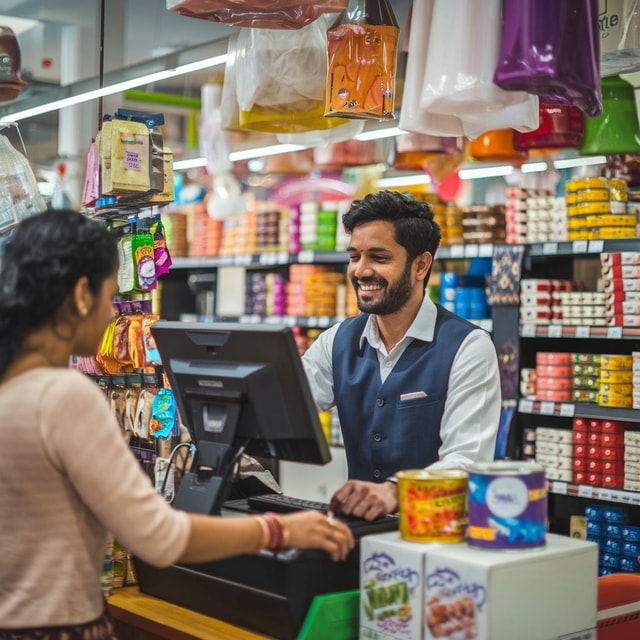
10000+ Product DATABASE for Aronium POS
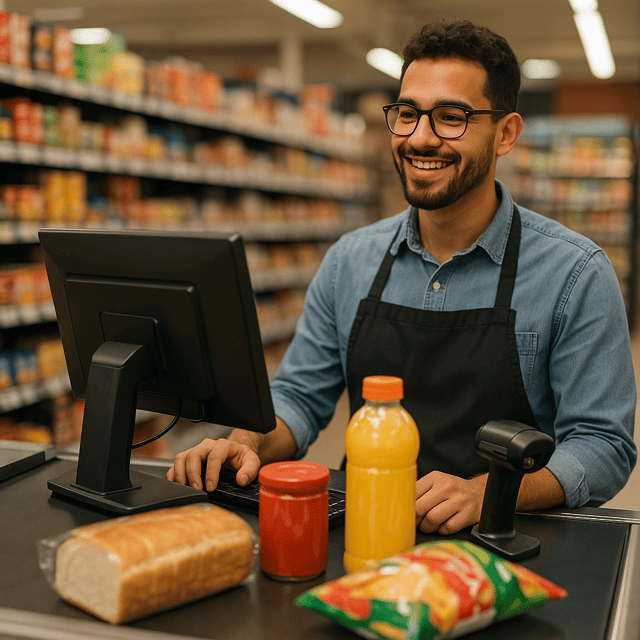
2500+ Product DATABASE for Aronium POS
1-on-1 Consultation
About me
- Change the World With Your Time. Come and Join Us!https://topmate.io/join/sumitgorai

Frequently asked questions
What is point of sale software?
Point of sale (POS) software is the program used at a shop's billing counter to record sales, generate bills, accept payments (cash, card, UPI), and update stock automatically with every sale. The POS software full form is "Point of Sale" software — the point where a customer actually pays. In India, retail shops, supermarkets, and restaurants use it to speed up billing and maintain accurate daily sales records.
What is retail billing?
Retail billing is the process of preparing a customer's bill at the counter — adding items, applying prices, discounts, and GST, calculating the total, collecting payment, and issuing the bill. Most shops now use billing software for this instead of manual bills, so billing is faster, calculations are error-free, and every sale is recorded for stock and tax purposes.
What is invoicing software?
Invoicing software helps a business create, send, and track invoices — documents listing what a customer purchased, the applicable taxes like GST, and the amount payable. In India, "bill" and "invoice" are often used interchangeably, though an invoice is the more formal document used for records and GST filing. Small businesses use it to track paid and unpaid bills and stay tax-ready.
How to make billing software for a shop?
You can either build it from scratch — which requires programming knowledge, a product and sales database, and significant time and cost — or configure ready-made billing software with your shop's products, prices, and GST rates. For most shop owners, setting up an existing free or paid billing tool is much cheaper and quicker than developing one, and it comes with ready features like GST invoices and stock reports.
How to download billing software for free?
Look for billing software that offers a genuinely free version for small businesses, download the installer from the official source, and install it on your computer. Free billing software typically covers item-wise billing, GST invoices, and daily sales reports, which is enough for many small shops. Avoid pirated or "cracked" software, as it carries virus risks and gives you no updates or support.
Does billing software for PC work without the internet?
Yes. Most desktop billing software for PC works offline — your data stays on the computer, so you can continue billing even when the internet is down, which is common in many shops. You need the internet only for updates, backups, or features like email/SMS bills. Cloud-based tools are the opposite and require a connection, so if your shop's connectivity is weak, choose an offline-capable program.
How to set up a POS system?
The basic steps are: install the POS software on your computer, add your products with prices, GST rates, and barcodes, connect and test the bill printer (plus barcode scanner or cash drawer if you use them), set your payment options, and run a test bill. A simple counter setup takes a few hours; if you're not technical, a one-time setup session with someone who does this regularly saves a lot of trial and error.
Which is the best billing software for restaurant businesses?
It depends on your setup, but good billing software for restaurant counters should handle table-wise orders, KOTs (kitchen order tickets), menu variants, GST invoices, and daily sales reports. Small cafés can manage with simple POS billing, while dine-in restaurants need software that sends orders to the kitchen and tracks tables. Always trial it with your actual menu before buying.
Is there any free POS software for small businesses?
Yes, free POS software exists and works well for many small shops — it usually covers billing, basic inventory, and sales reports at no cost. Before committing, check the limits: number of products, number of users, and whether GST invoices or barcode support are included. Some tools also offer ready-made product databases, which save you from entering thousands of items manually.
Which is the best retail billing software in India for small shops?
Instead of chasing one "best" name, compare options on what matters for a small shop: fast item-wise billing, GST invoices, barcode support, stock tracking, and simple daily reports. A good billing software for a retail shop should also be easy for staff to learn and should run on the computer you already own. Trial two or three options with your own product list before deciding.
Does POS software in India support GST billing?
Yes, most POS software in India supports GST billing — you can set GST rates by item or category, the software adds the correct tax to each bill, and it generates GST-compliant invoices showing your GSTIN. Many also produce GSTR-friendly sales summaries that make filing easier. Confirm the invoice format and rate settings during a free trial before you buy.
What is the billing software price in India?
The billing software price in India varies widely: free versions cost nothing, basic one-time-license desktop tools usually run into a few thousand rupees, and cloud-based subscriptions are charged monthly or yearly depending on features and users. The POS software price follows a similar pattern and rises when you add hardware like barcode scanners and printers. Choose based on the features you will actually use, not just the lowest price.