Testimonials
Services
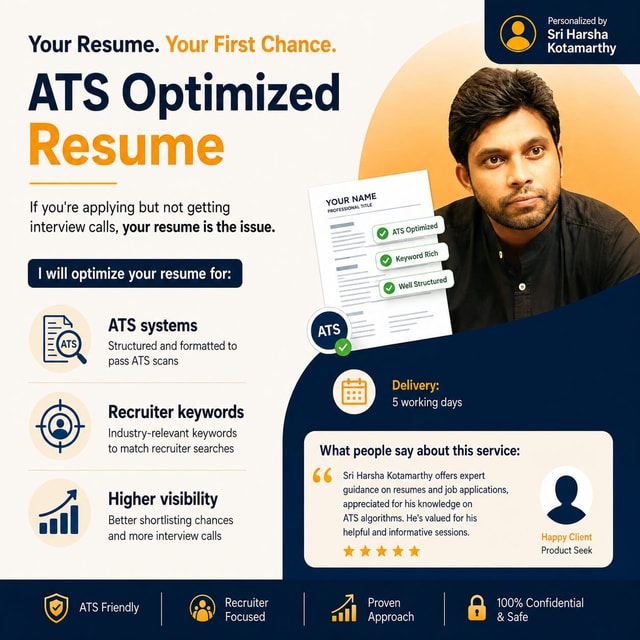
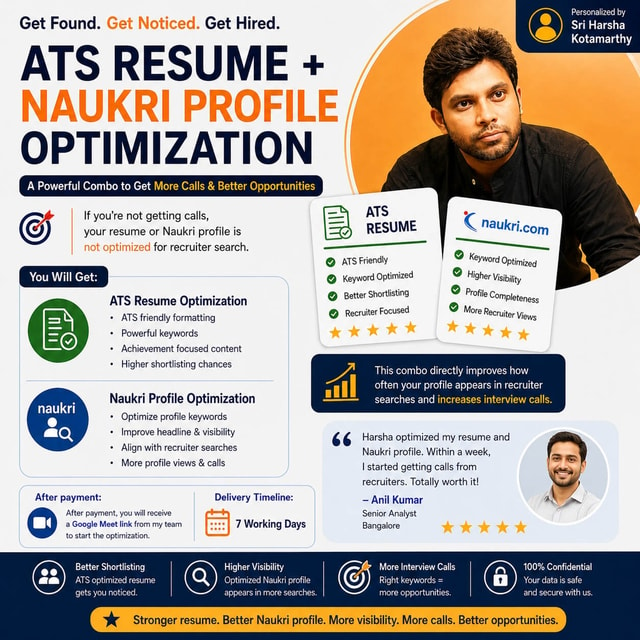
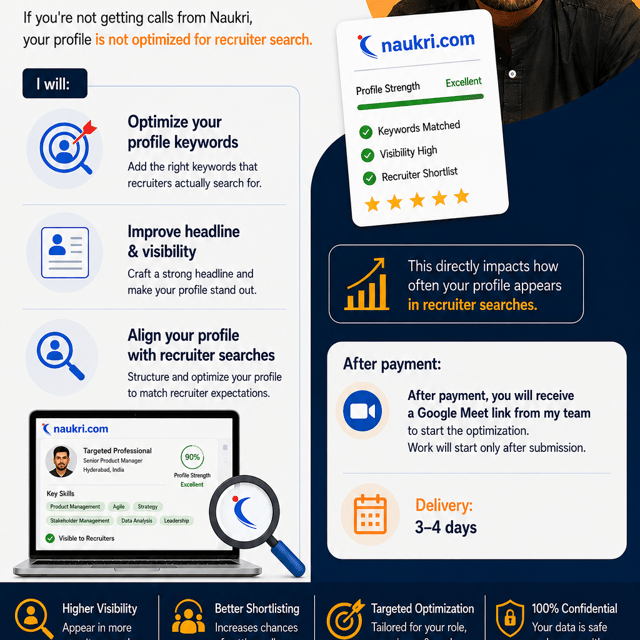
LinkedIn Optimization SDS
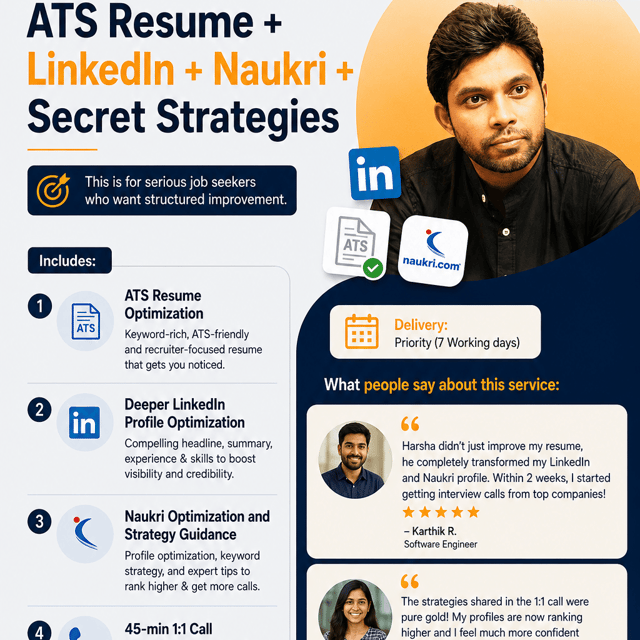
ATS Resume+ Linkedin+ Naukri + Secret Strategies
Frequently asked questions
What is an ATS resume checker?
An ATS resume checker is a tool that scans your resume the same way an Applicant Tracking System does and points out what could get it rejected. It typically checks whether your file is machine-readable, whether your section headings are standard, and how closely your skills and keywords match a given job description. Running your resume through one before applying helps you catch formatting and keyword gaps early, since many resumes are filtered out by software before a human recruiter ever opens them.
How to check the ATS score of a resume?
Upload your resume to a free ATS resume score checker, paste in the job description you are targeting, and compare the two. The score is usually calculated from keyword match, formatting, section structure, and readability. Always check the score against a specific job posting rather than in general, because the same resume can score well for one role and poorly for another. Fix the flagged issues — missing keywords, tables, graphics, or unclear headings — and retest until the score improves.
What is an ATS resume format?
An ATS resume format is a simple, machine-readable layout that applicant tracking software can parse without errors. It means a single-column design, standard fonts, clear headings like Work Experience, Education, and Skills, no tables, text boxes, images, or headers and footers, and a .docx or PDF file as the job posting allows. Content is listed in reverse-chronological order with job titles, company names, and dates clearly separated. Heavily designed resumes may look impressive but often confuse the software and cause details to be dropped.
How to make an ATS resume?
Start with a clean single-column layout and standard section headings, then study the job description and mirror its exact keywords for skills, tools, and job titles in your resume. Write achievement-based bullet points with numbers wherever possible, keep the file format simple, and save it as .docx or PDF depending on what the posting asks for. Finally, run an ATS score check against that specific job and revise until the resume parses cleanly. A tailored resume for each job type performs far better than one generic resume sent everywhere.
How to pass an ATS resume screening?
Match the exact keywords from the job description, because ATS software usually ranks and filters resumes on how closely they match the posting. Use standard headings, avoid tables, columns, images, and text boxes, and keep job titles, companies, and dates in a simple format the software can read. Tailor your resume for every application instead of sending the same file everywhere. Also remember that clearing the ATS only gets your resume in front of a recruiter, so the content still needs to be strong enough to earn a shortlist.
Where can I get a free ATS resume template?
You can create a free ATS resume template yourself in MS Word or Google Docs using a plain single-column layout with standard headings, which is often safer than downloading a heavily designed template. If you prefer a ready-made option, pick from the simple built-in templates in Word or Google Docs rather than creative two-column designs. Whichever template you use, replace the sample content with keywords from each job description before applying. A template only fixes formatting — your keywords and achievements decide whether you get shortlisted.
What is the full form of ATS in a resume?
ATS stands for Applicant Tracking System, the software companies use to collect, scan, and filter the resumes they receive. When you apply online, this system parses your resume and ranks it against the job description before a recruiter sees it. That is why an "ATS-friendly resume" simply means one that is formatted and keyword-optimized so the software can read it correctly and not reject it by mistake. Knowing the full form of ATS in a resume context explains why many well-qualified candidates never get interview calls.
Is a Naukri profile optimization service worth it?
It is worth considering if your profile gets very few recruiter views or search appearances despite having the right skills and experience, because Naukri's recruiter search runs on keyword matching and most profiles are under-optimized. A good Naukri profile optimization service works on your headline, key skills, summary, and role details so your profile appears in the right recruiter searches. If you have the time to understand how Naukri's search works, you can improve it yourself, but if your applications are not converting into calls, expert help usually saves months of trial and error.
Can I use a ChatGPT prompt for Naukri profile optimization?
Yes, a ChatGPT prompt for Naukri profile optimization can help you draft your summary, headline, and skill descriptions quickly, but the output is only as good as the details you feed it. Generic prompts usually miss Naukri-specific elements like key skills slots, preferred roles, and the exact keywords recruiters in your industry search for. Use AI for the first draft, then manually align every section with your target job descriptions and verify that the skills listed genuinely match your experience. Treat the AI draft as raw material and refine it with real recruiter-search keywords.
What does a good Naukri profile summary example look like?
A strong Naukri profile summary example is usually 3-5 short lines combining your current role, total experience, core skills, domain, and one or two measurable achievements, ending with what you are targeting next. A pattern like "Data Analyst with 4 years of experience in SQL, Python, and Power BI, having built dashboards that cut reporting time by 30%" works because the first two lines carry the keywords and appear in the preview recruiters see. Avoid writing only a career objective or a long life story. Keep it specific, keyword-rich, and front-loaded.
What are the best skills for Naukri profile?
The best skills for Naukri profile are the ones recruiters in your target role actually type into search — a mix of role-specific hard skills, tools and software, certifications, and a few relevant soft skills. Check 10-15 recent job descriptions for your target role and shortlist the skills that appear repeatedly, then place the most important ones in the top key-skills slots Naukri gives you. Do not add unrelated skills just to look versatile, because irrelevant skills dilute your match for the right searches. Update the list whenever you learn a new tool or change roles.
What is LinkedIn profile optimization?
LinkedIn profile optimization is the process of improving your headline, About section, experience entries, skills, and other profile elements so your profile ranks higher in recruiter searches and convinces viewers to reach out. Recruiters find candidates by searching keywords, so an optimized profile is essentially built around the terms used in your target roles. It also covers a professional photo, a custom URL, and visible activity in your field. Without optimization, even strong candidates often stay invisible in LinkedIn search results.
How to do LinkedIn profile optimization?
Start with a keyword-rich headline that goes beyond your job title to include your skills and the value you bring, then rewrite your About section around your strengths, key skills, and career story. Fill every experience entry with results written around your target keywords, add all relevant skills, and pin the top ones. Complete the basics too — professional photo, custom URL, correct industry and location, and the Open To Work settings if you are actively job hunting. Do it properly once, then refresh the profile every few months so it stays current.
How to check LinkedIn profile optimization for free?
Start with the basics — a complete profile, a keyword-rich headline and About section, the minimum skills added, and regular activity. Then search your target role keywords on LinkedIn and see whether your profile actually appears in the results, or run your profile through a free LinkedIn profile optimization tool that audits it section by section and gives you a score. Also track your search appearances in LinkedIn's own dashboard to see whether views improve after your changes. If recruiters still are not finding you, your keywords usually need rework.
What is LinkedIn Open Profile?
LinkedIn Open Profile is a Premium feature that allows anyone on LinkedIn, even people outside your network, to message you for free without sending a connection request first. Job seekers, freelancers, and consultants switch it on so recruiters and potential clients can contact them directly. You can turn it on or off from your Premium settings and control who can see the badge. It works best when the rest of your profile is optimized, because more visibility only helps if your profile converts visitors into conversations.