Services
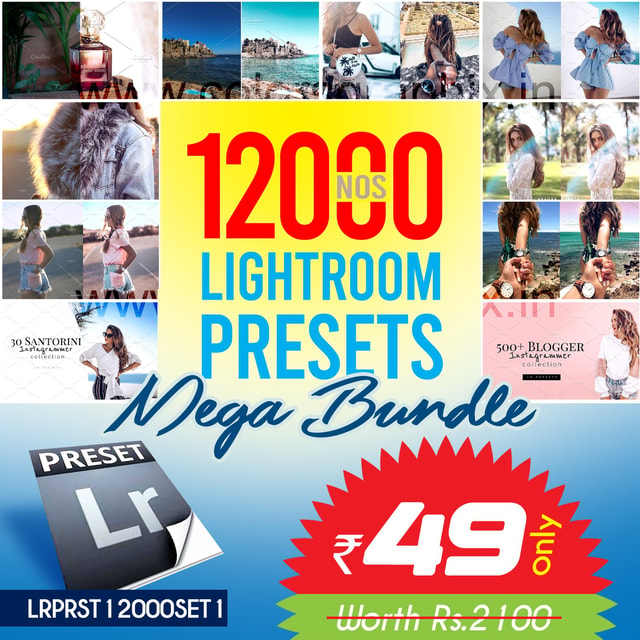
12000+ Lightroom Presets Mega Bundle
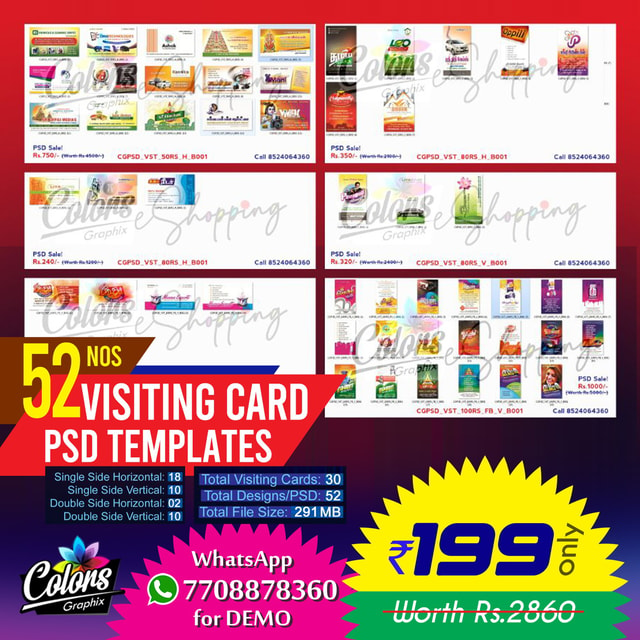
Creative Tamil Visiting Card PSDs - CGPSDVSTSET1
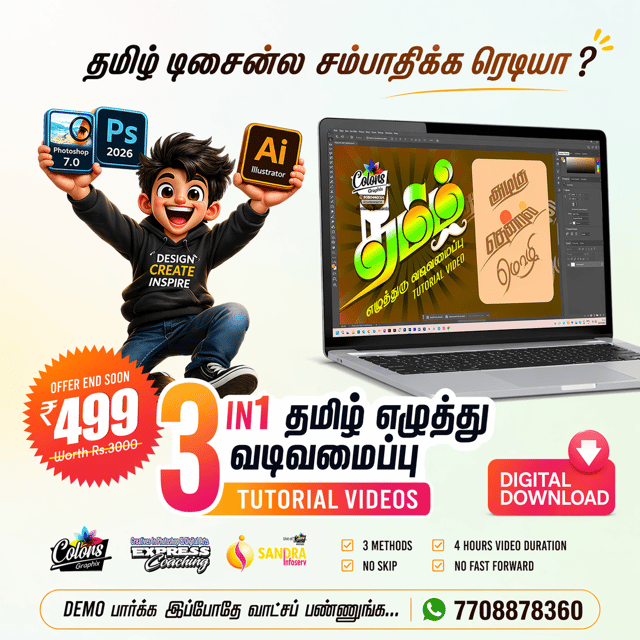
3in1 Tamil Typography Tutorial Video @just Rs.499

WhatsApp Business Setup Meta Verified + AI Chatbot
Eye Candy 7 – Premium Plugin Lifetime

UpFoto Ai Photo Enhancer Android App @just Rs.199
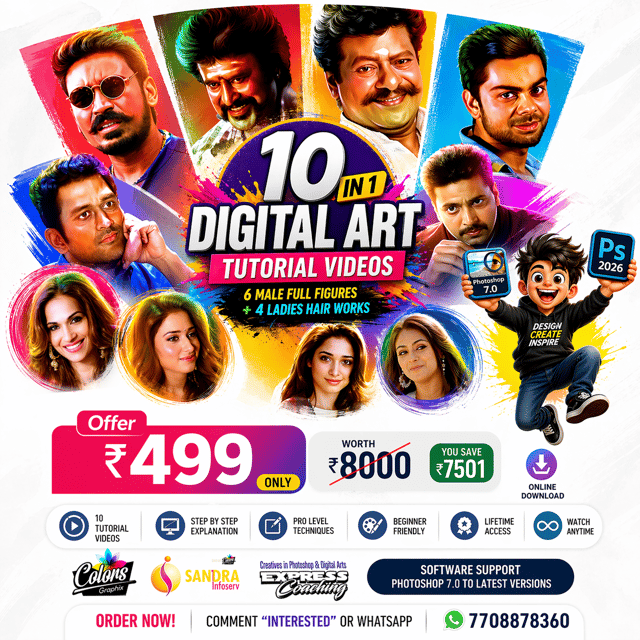
10in1 Digital Art Tutorial Videos Bundle @ Rs.499
தமிழ் எழுத்துரு வடிவமைப்பு பயிற்சி வகுப்பு

Frequently asked questions
How do I download Lightroom presets?
Trusted sources include preset marketplaces, photography blogs, and Indian creator stores. Free packs usually arrive as a ZIP file, while premium collections — such as a 12,000+ Lightroom presets mega bundle — give you thousands of styles in one download. Once you know how to download Lightroom presets safely, check whether the files are .xmp (desktop) or .dng (mobile) before importing them.
How do I install Lightroom presets in the app?
On mobile, import the .dng photo into the Lightroom app, open it, tap the three-dot menu, and choose "Create Preset" — it then appears in your Presets panel. On desktop, open the Develop module in Lightroom Classic, click the "+" in the Presets panel, and select "Import Presets" for your .xmp files. Most guides on how to install Lightroom presets take under five minutes to follow.
How do I use Lightroom presets after installing them?
Open a photo, tap the Presets panel, and select a preset to apply its saved look — exposure, contrast, and colour grading — in one click, then fine-tune the intensity to suit your image. This works the same in the free Lightroom mobile app on Android and iPhone as it does on desktop. The secret to how to use Lightroom presets well is treating them as a starting point, since every photo has different lighting and skin tones.
What are LR presets?
LR stands for Lightroom, so LR presets are ready-made combinations of editing settings — exposure, contrast, colour grading, and curves — that you apply to a photo in a single click. Photographers and editors use them to keep a consistent look across an entire shoot and cut editing time from minutes to seconds. Once imported, the same preset can be reused on any photo and adjusted as needed.
What is the Lightroom preset file type?
The standard Lightroom preset file type today is .xmp, used by Lightroom Classic and Creative Cloud versions, while older packs may still come as .lrtemplate files. On mobile, presets are often shared as .dng images that you convert into presets inside the app. Files usually arrive zipped, so extract the folder before importing.
Do you have to pay for Lightroom to use presets?
No. The Lightroom mobile app is free on Android and iPhone, and presets work inside it without any subscription — only the desktop software needs a paid Adobe plan. So, are Lightroom presets free as well? Many individual packs are, while large mega bundles charge a small one-time fee for thousands of presets.
Where can I get cinematic Lightroom presets?
Cinematic Lightroom presets create that moody, film-like teal-and-orange grade popular in Instagram reels and travel edits. You'll find cinematic Lightroom presets in free packs on editing blogs and inside large paid bundles covering portraits, weddings, and street photography, so it's worth testing a few free styles first to see which grading suits your photos.
How do I download Tamil fonts?
Knowing how to download Tamil fonts starts with trusted libraries such as Google Fonts, which offers Noto Sans Tamil, Catamaran, and other Unicode families at no cost. Download the .ttf file, double-click it, and hit Install — the font then appears in MS Word, Photoshop, and Canva. For poster and thumbnail work, many design resource sites also let you download Tamil typography fonts for free in decorative and cinematic styles.
How do I type Tamil in MS Word?
First confirm a Tamil Unicode font such as Latha or Nirmala UI is available (both come pre-installed on Windows), then type using Google Input Tools, the built-in Tamil keyboard, or a transliteration tool like Azhagi. The key to how to type Tamil in MS Word correctly is sticking to Unicode fonts — legacy non-Unicode fonts like Bamini often turn into boxes or question marks when the file is opened on another computer.
What is typography in Tamil?
Typography in Tamil — எழுத்துரு வடிவமைப்பு — is the art of styling Tamil letters for visual design rather than plain typing. Tamil typography design appears in movie posters and fan tributes, wedding invitations, YouTube thumbnails, and visiting cards, blending traditional script styles with modern effects like gradients, shadows, and 3D lettering.
Where can I find Tamil typography PNG files?
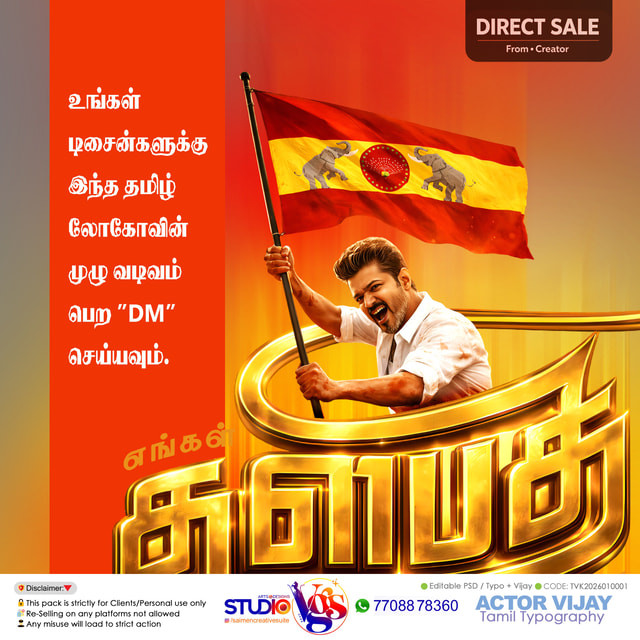
A Tamil typography PNG is a ready-made text design saved with a transparent background, so you can drop it straight onto posters, flex banners, thumbnails, or edits in apps like Photoshop, PicsArt, or Canva. They're widely used for Thalapathy-style fan posters and event creatives, and you can either download ready-made Tamil typography PNG packs from digital resource stores or create your own once you learn the design process.
Is there a good Tamil typography generator?
Yes — an online Tamil typography generator converts typed text into stylized lettering instantly, which is handy for quick social media posts. The drawback is limited font choices and no layered or 3D effects, which is why designers who need poster-quality output build custom typography manually in Photoshop or Illustrator, a skill covered in structured Tamil typography tutorials.
How do I start learning digital art as a beginner?
Begin with free software like Krita or ibisPaint, learn the core tools — layers, brushes, selection, and zoom/undo shortcuts — and follow a structured digital art tutorial for beginners instead of jumping between random videos. Working through a digital art tutorial step by step, from sketch to line art, flat colours, shading, and rendering, builds skill far faster; affordable multi-video bundles around ₹499 make it easy to learn at your own pace.
How do I render digital art?
Rendering is the final stage where a flat-colour drawing is refined with realistic shading, lighting, texture, and fine detail. To learn how to render digital art, practise blending skin tones, adding rim light and shadows on separate layers, and sharpening the focal area last — then zoom out and compare the before-and-after versions to check the overall balance.
Where can I find a digital art tutorial for Krita?
Krita is free and surprisingly powerful, so beginners have plenty of options, including YouTube playlists, community forums, and low-cost bundle courses. A good digital art tutorial for Krita should cover the interface, brush engine, stabilizers, and layer modes before moving to complete illustrations, so you gain real control over the tools instead of just copying steps.