Testimonials
Services
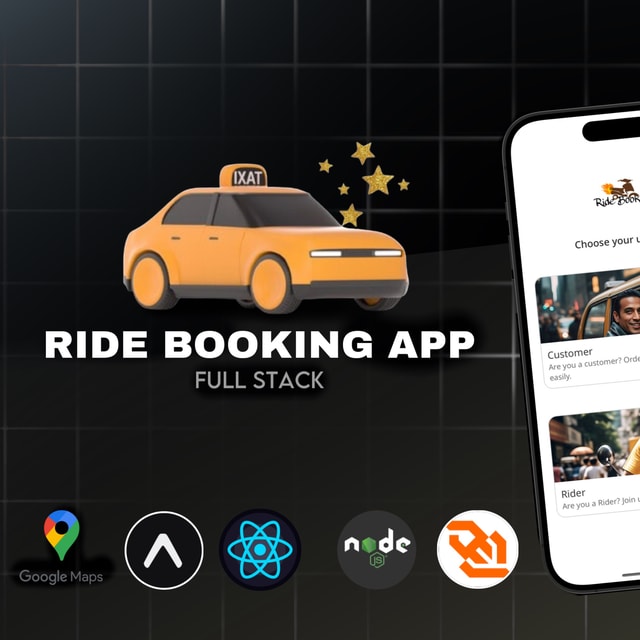
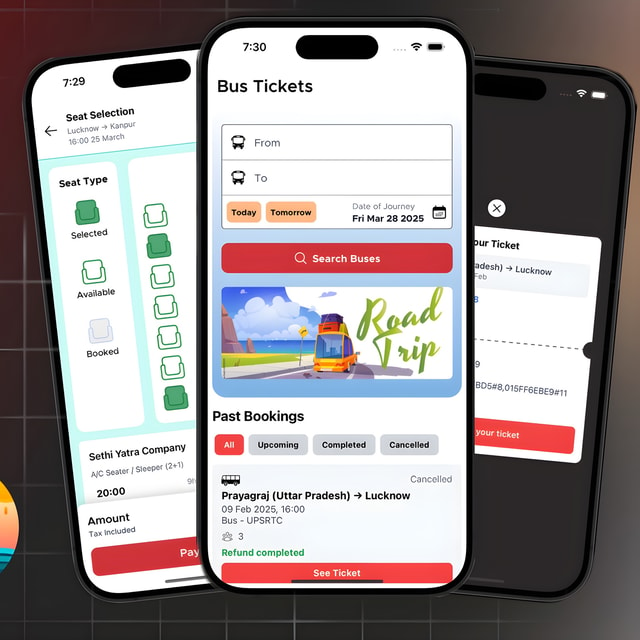
🚎 Bus Ticketing : Full Stack React Native
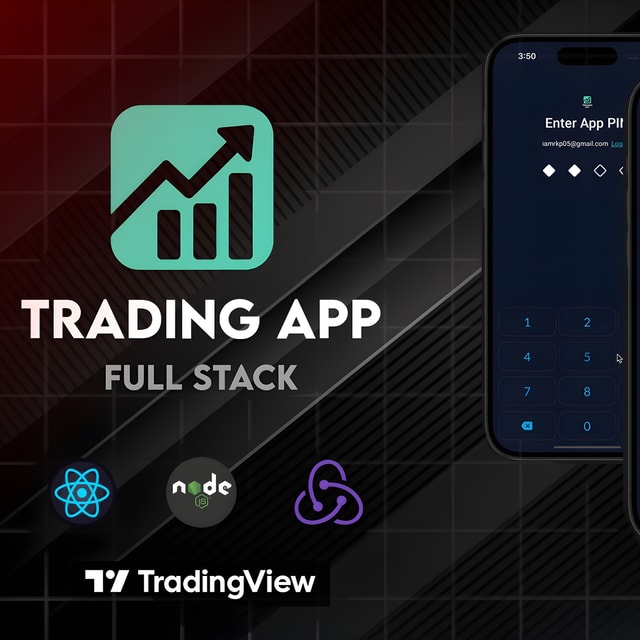
Full-Stack Trading App ( React Native + Node JS )
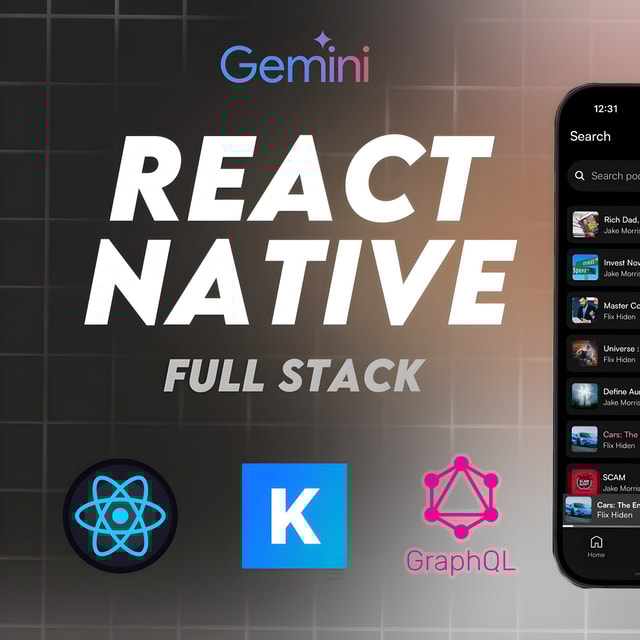
🎙️Podcast AI : Full Stack React Native
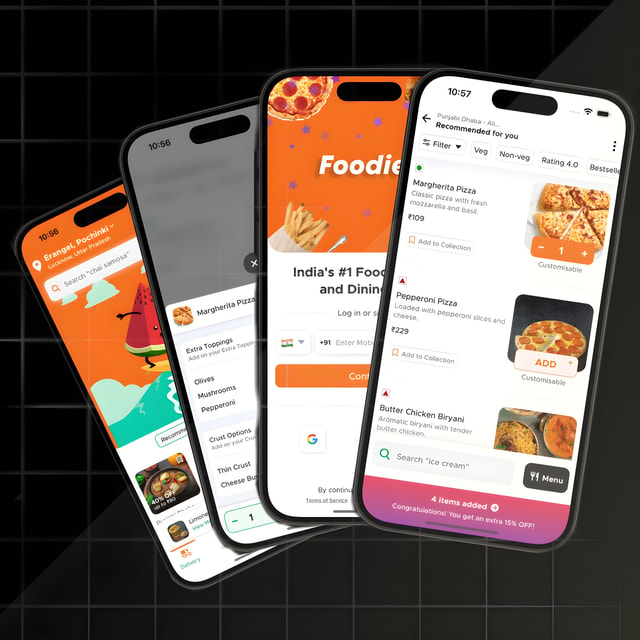
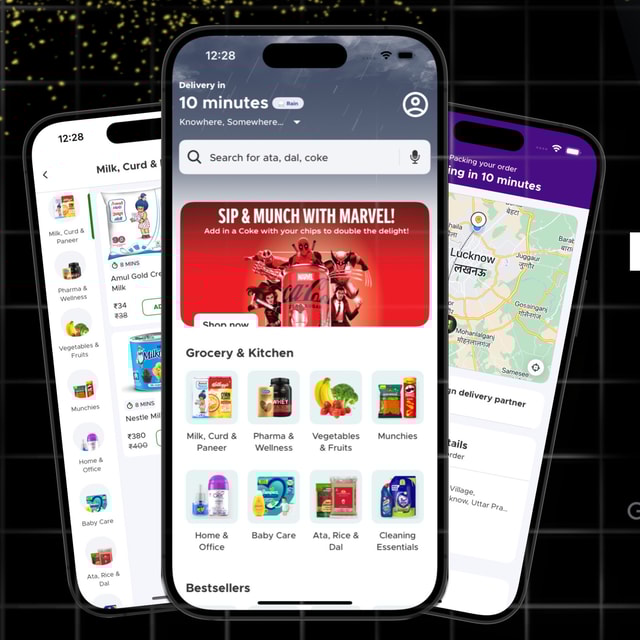
🍔 Food Delivery App : React Native | Redux

🎲 Ludo Game: React Native Complex Animations
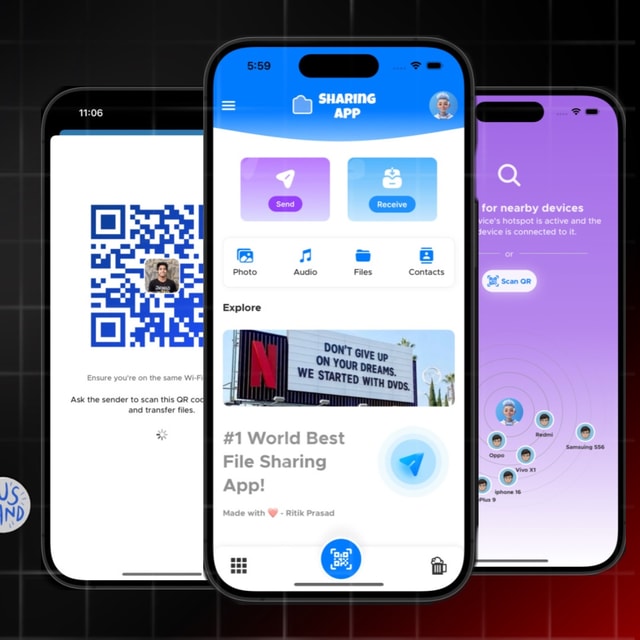
🗳️ File Sharing App : React Native ( TLS UDP )
About me
- Youtubehttps://www.youtube.com/@user-vv5kf1nw9j

Frequently asked questions
What does full stack development mean?
Full stack development means working on both the front end of an application (the UI, design, and interactions users see) and the back end (server, APIs, and database). A full stack developer can build a complete product end to end, from the login screen to deployment. In India, job listings commonly use the term for roles that combine a frontend framework like React or React Native with a backend like Node.js, Java, or Python.
How to become a full stack developer?
Start with the basics — HTML, CSS, and JavaScript — then learn one frontend framework (React is the most in demand), a backend stack like Node.js with Express, and a database such as MongoDB or PostgreSQL. A practical full stack development roadmap looks like this: web fundamentals → Git and GitHub → frontend framework → REST APIs and authentication → databases → deployment, while building 2–3 real projects along the way. With consistent practice, most learners become job-ready in about 6–12 months, and live projects on GitHub matter more to recruiters than certificates alone.
How to learn full stack development for free?
You can learn full stack development for free using YouTube tutorials, freeCodeCamp, The Odin Project, and official documentation like MDN, React, and Node.js docs. Follow a structured order (HTML/CSS → JavaScript → React → backend → databases) instead of watching random videos, and build real projects as you go — a food delivery clone, a chat app, or an expense tracker. Free certifications are available on platforms like freeCodeCamp, and free tiers of tools like Vercel, Render, and MongoDB Atlas let you deploy projects at zero cost.
What is full stack development with AI?
Full stack development with AI has two sides: using AI tools like GitHub Copilot or ChatGPT to write boilerplate, debug, and test faster, and building applications that include AI-powered features such as chatbots, recommendations, or content generation by integrating AI APIs into the frontend and backend. The core skills — JavaScript, React, Node.js, and databases — remain the same; AI is layered on top of them. Adding even one AI-integrated project to your portfolio is a strong differentiator when applying for developer roles.
How do I get a full stack development internship?
Build 2–3 solid projects and deploy them live, keep your GitHub and LinkedIn updated, then apply consistently on Internshala, LinkedIn, and Naukri, and message startups directly — most internship openings in India come from startups rather than large MNCs. Tailor your resume to each role, prepare for basic JavaScript and framework questions, and ask seniors or mentors for referrals. A referral combined with a live project link converts far better than a cold application.
Which full stack development project is best for beginners?
Skip basic todo apps and build one complete, real-world app — a food delivery app, grocery app, ride booking app, or chat app — because these force you to learn authentication, REST APIs, databases, payment integration, and state management together. One deep full stack development project that is fully built and deployed is worth more on your resume than five half-finished clones. If you are targeting mobile development roles, choose a mobile-first project so you cover both the app and the backend in one effort.
What is React Native app development?
React Native app development means building Android and iOS apps from a single JavaScript/React codebase instead of writing separate native code for each platform. You write components in React, and React Native renders real native UI elements, so performance is close to fully native apps. Startups and product companies in India favor it because one team can ship to both app stores faster and cheaper, which is also why React Native skills stay in steady demand.
How to become a React Native developer?
Get comfortable with modern JavaScript first (ES6+, async/await, arrays and objects), then learn React fundamentals — components, state, props, and hooks — since React Native builds directly on them. After that, learn React Native core components, navigation with React Navigation, state management with Redux or Zustand, and connecting apps to backend APIs. Build and publish 2–3 real apps on the Play Store, because recruiters in India value live apps far more than course certificates, and that portfolio is enough to apply for roles at startups, agencies, and product companies.
How to set up a React Native development environment?
The fastest route is Expo: install Node.js and VS Code, run npx create-expo-app, and test instantly on your phone using the Expo Go app — no Android Studio needed. For the React Native CLI route, you need Node.js, the JDK, and Android Studio with the Android SDK and an emulator (or a physical phone with USB debugging), and Mac users need Xcode for iOS. Follow the environment setup guide in the official React Native docs for your operating system, then verify everything by running your first app on a device or emulator.
Can you do React Native development on Windows?
Yes, React Native development on Windows works perfectly well for building Android apps — you can use the Android Studio emulator or your own phone with USB debugging, and the code is identical to what Mac users write. The only limitation is iOS: building and running iOS apps requires macOS, so Windows users usually test on Android and use a cloud build service when they need an iOS version. Do not let this stop you from starting — most of your learning happens on Android anyway.
How to open React Native developer tools?
While your app is running, press d in the terminal where Metro is running, or press Ctrl+M on an Android emulator (Cmd+D on the iOS simulator), or shake your physical device — this opens the dev menu. From there you can access React Native developer tools like the element inspector, network inspector, and the debugger; newer React Native versions ship with React Native DevTools, which works much like Chrome DevTools. Press r in the terminal to reload the app while testing your changes.
How to add animations in React Native?
Start with the built-in Animated API for simple effects like fades, slides, and scale changes using Animated.timing or spring. For complex, gesture-driven, or high-performance animations — the kind seen in gaming or delivery apps — use React Native Reanimated, which runs animations on the UI thread so the app stays smooth. Layout animations are useful for screen transitions and list changes. Practice with small pieces first, like an animated splash screen or a sliding cart button, before attempting fully animated flows.
Which is the best React Native animations library?
React Native Reanimated is the most widely used React Native animations library today — it is powerful, works with Expo, and handles complex gesture-based animations smoothly because it runs on the UI thread. Lottie is the best choice when you want to play designer-made animations like loading screens and illustrations, while Moti or the built-in Animated API are good for simpler effects. For most apps, Reanimated plus Lottie covers everything you will realistically need.
What are React Native developer jobs?
React Native developer jobs are roles where you build and maintain Android and iOS apps using a single JavaScript-based codebase. Typical responsibilities include building screens and navigation, integrating REST APIs and payment gateways, managing app state, fixing performance issues, and releasing updates to the app stores. In India, these roles are common at startups, app agencies, and product companies, and freshers can get hired on the strength of a portfolio of published apps and interview performance, even without a formal tech degree.