Testimonials
Services
Top 15 Claude prompts for Project
Sand Reveal
From Empty Lot to Cinematic Reel- The 9+7 Protocol
Sand to Reveal: AI Design Workflow
Vox Style Video creation
Courtyard Reel: One Render Into a Cinematic reel
Site Reveal Animation
Plan to Film
house morphing workflow
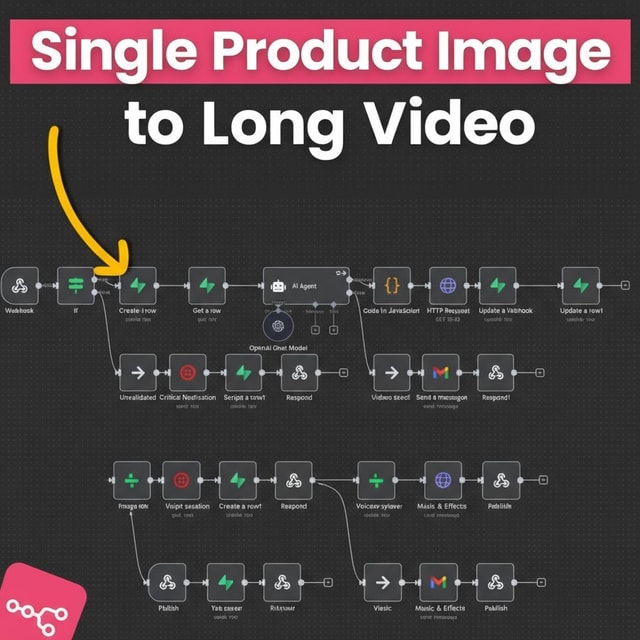
Single Product Image to Long Video
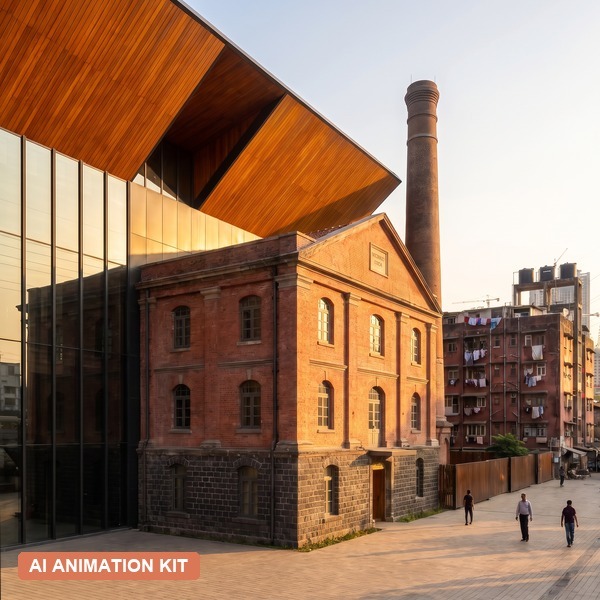
Architectural renovation Animation
Sketch-to-Walkthrough workflow
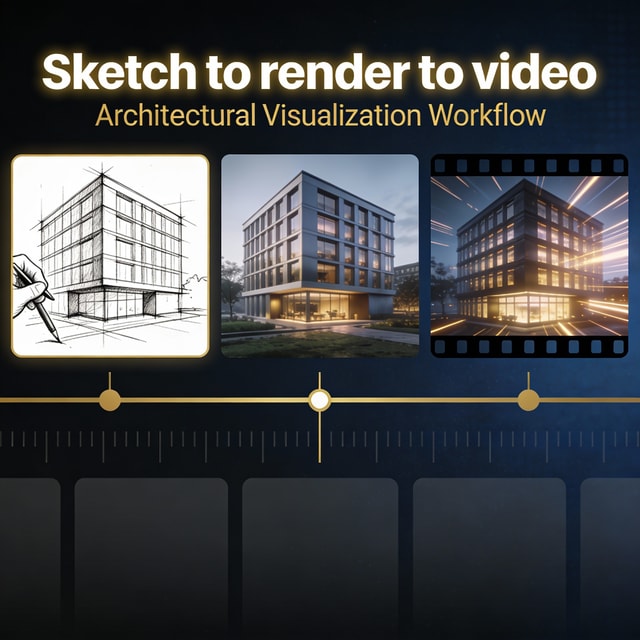
Sketch to short Video
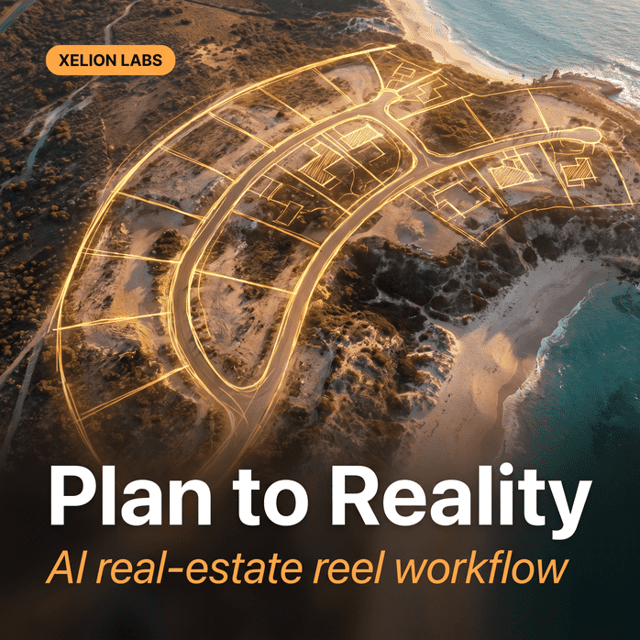
Plan to Reality- The AI Real-Estate Reel Workflow

Build a BOQ Estimator Using AI


AI in Architecture & Design
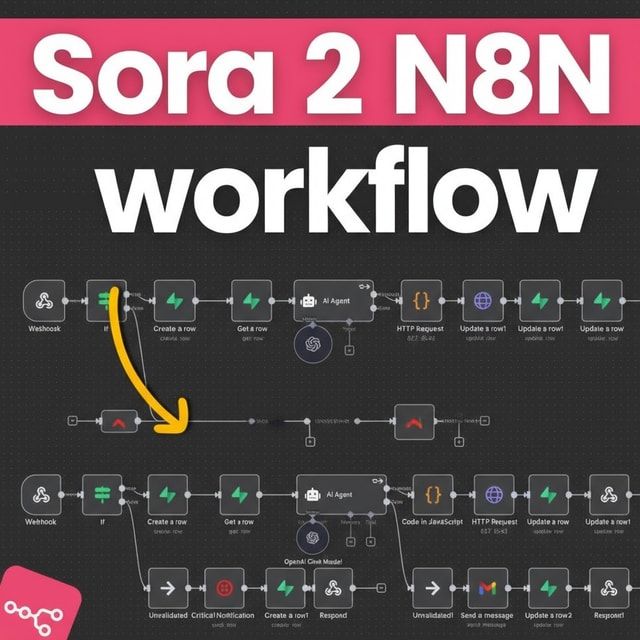
Sora 2 N8N Watermark-Free Video Generator
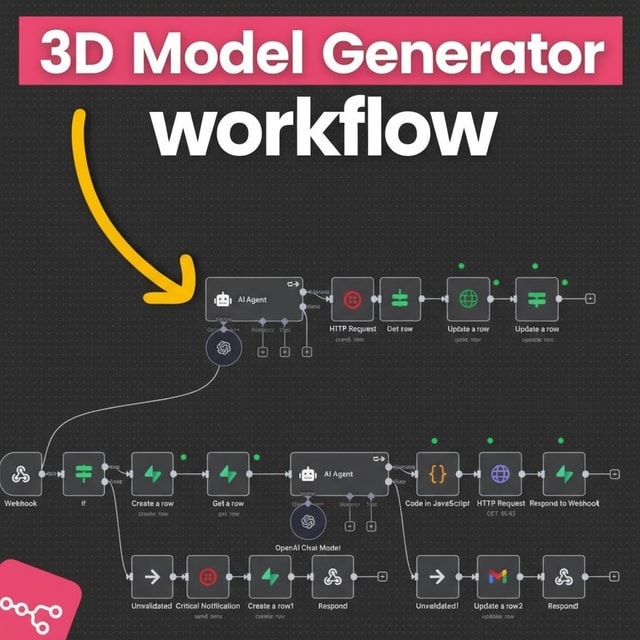
3D model Generator n8n workflow
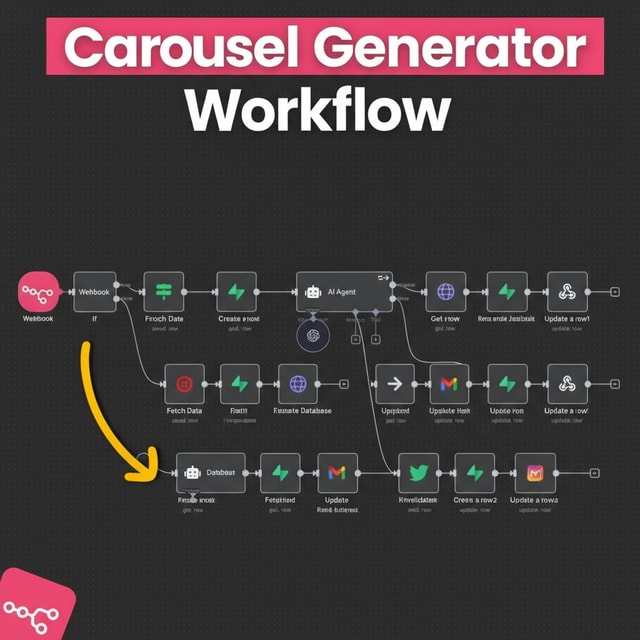
n8n Carousel Generator Workflow
Arch Explainer Video
Animation prompt
The Desk Build
Ink to Motion: AI Architecture Film Playbook
Haveli timelapse Workflow
Site to Sketch to render
One image to project animation
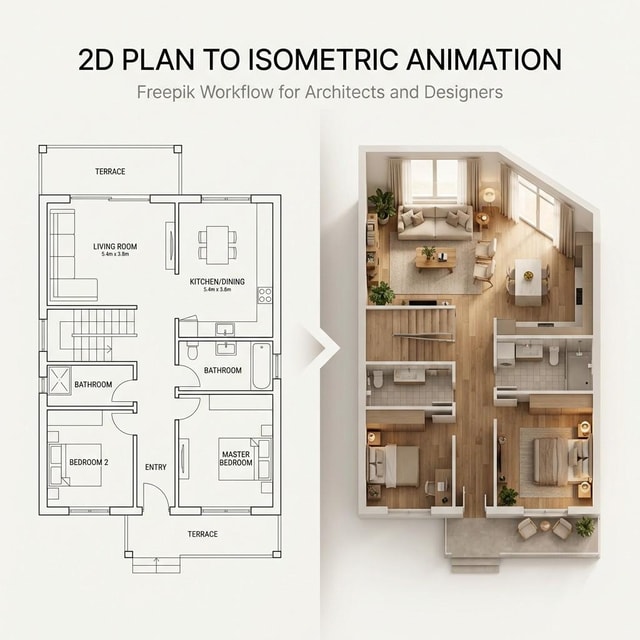
2d plan to interior render animation
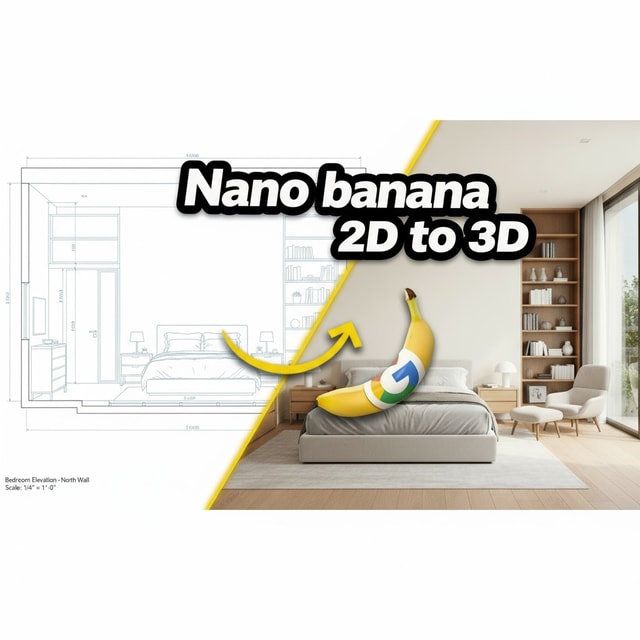
2D Drawings to 3D Perspective View


Site Analysis Animation (AI)
AI Workflow Template: Sketch to Complete Project
One Image to complete walkthrough system
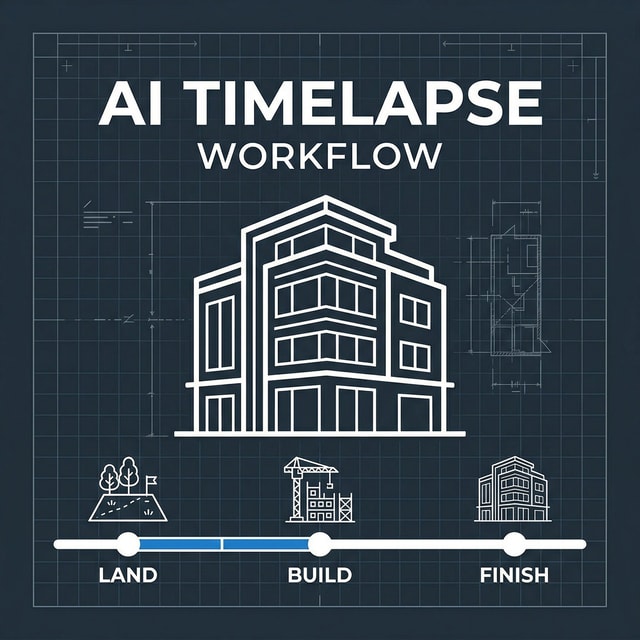
Construction Timelapse Video
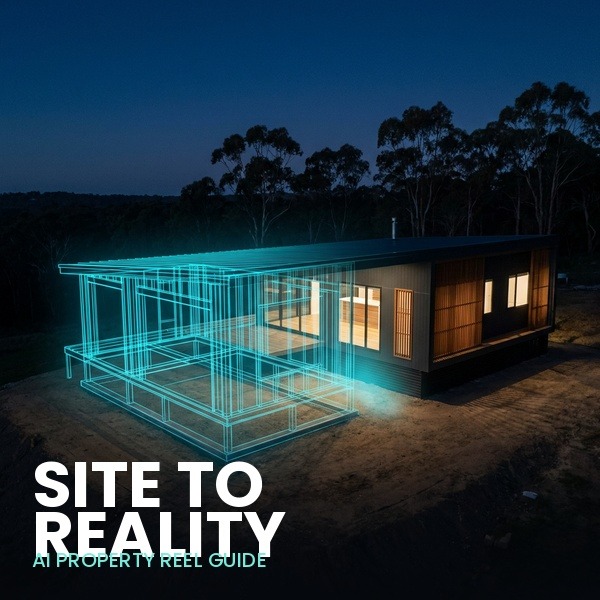
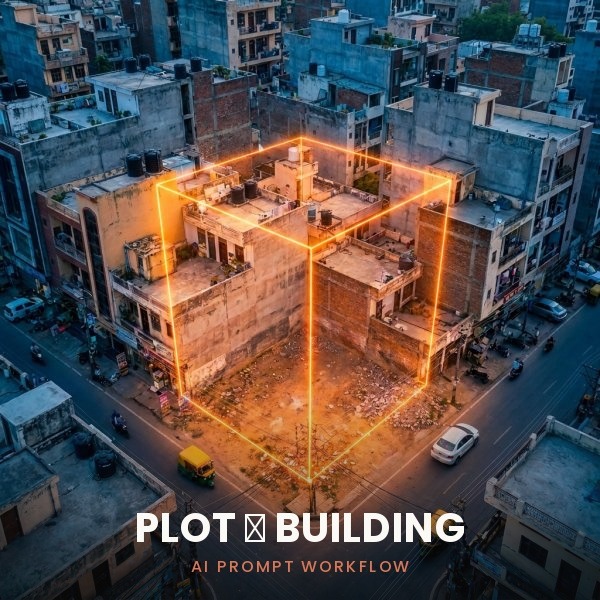
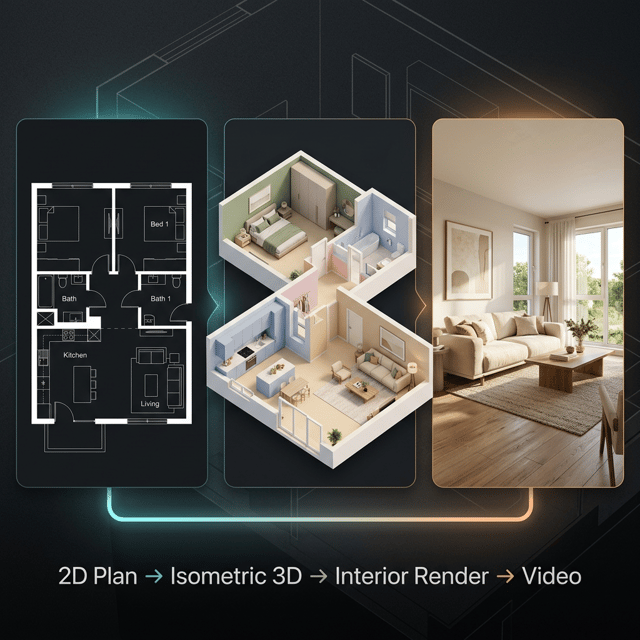
2D plan to complete walkthrough
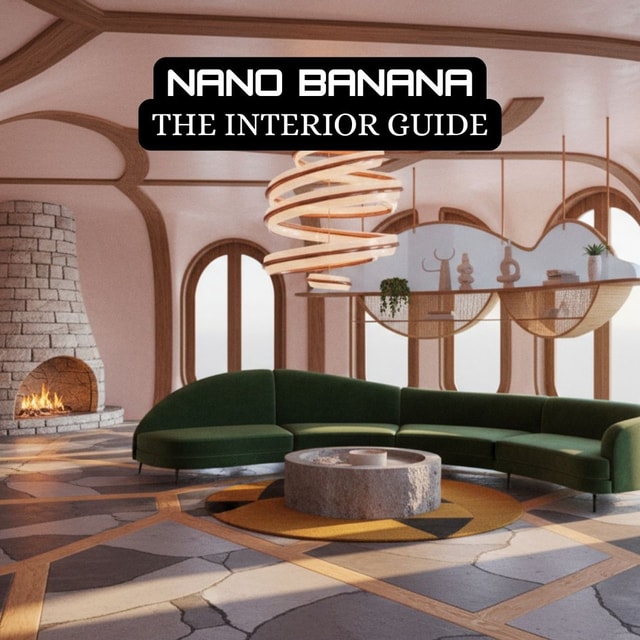
Nano Banana Interior Guide
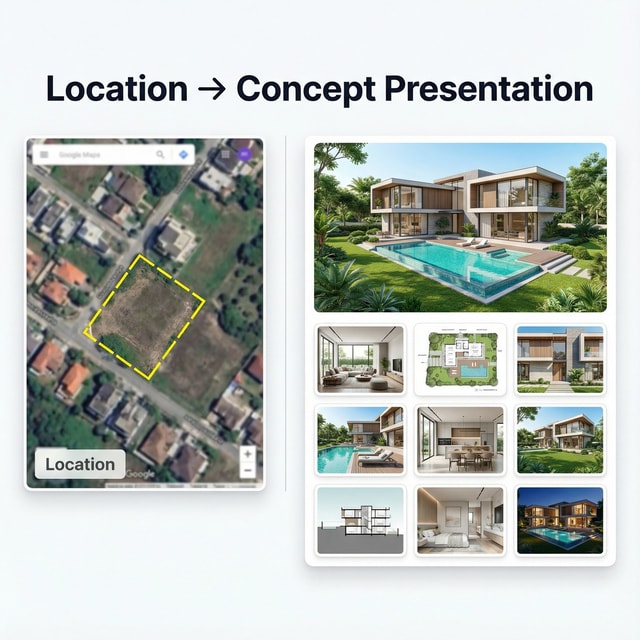
location Image to Complete concept Presentation
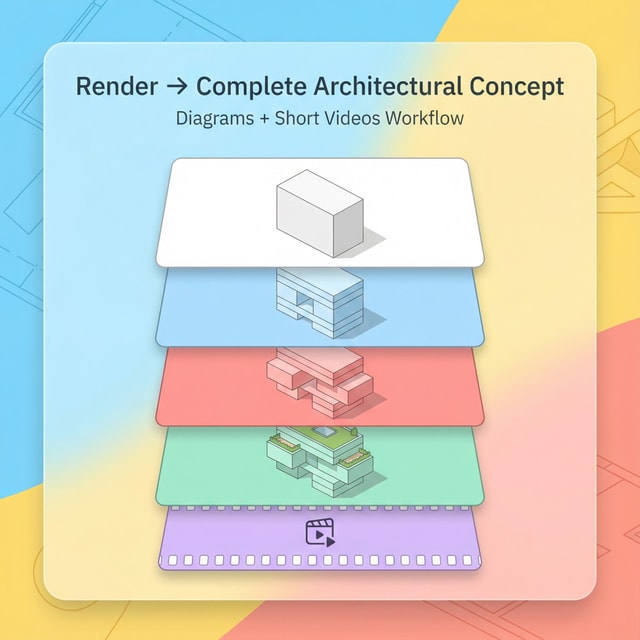
Render to complete architectural concept
Discovery Call
AI in Architecture & Design: Complete Package
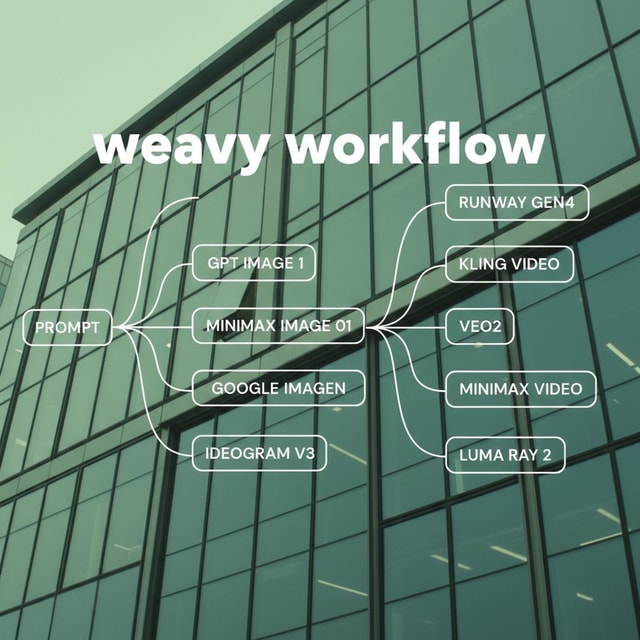
Weavy Workflow to Generate Design Variations
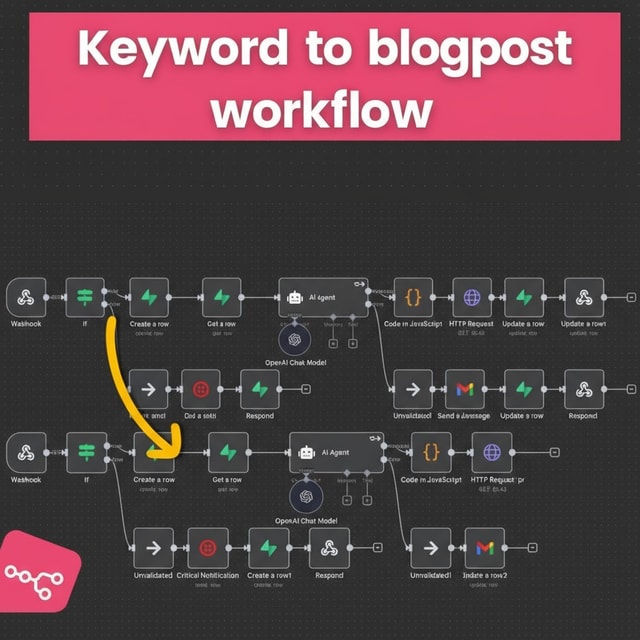
Keyword to blogpost generator
About me
- AI client presentation ready in 1 minutehttps://presentationpalette.com/

Frequently asked questions
How to use AI for architecture?
Start by matching AI to one specific stage of your workflow instead of trying everything at once. The most common uses are concept generation from text prompts, rendering sketches or 3D models, converting 2D drawings into 3D views and walkthroughs, and turning site photos into client-ready visuals and marketing reels. Pick one repetitive task — rendering is usually the easiest starting point — and take a single project end to end before adding more tools.
What is the best AI for architects?
There is no single best tool; most professionals work with a small stack. Image models such as Midjourney, Nano Banana, and Flux are strong for concept renders, video models like Kling handle walkthroughs and animations, and general AI assistants help with research and documentation. Judge each tool on render realism, how well it respects your sketch or plan, speed, and cost.
Do architects and interior designers need different AI tools?
Mostly no. Most AI for architects and interior designers runs on the same image and video models — the difference lies in the inputs and outputs. Architects usually start from site photos, plans, and massing models, while interior designers work from room photos, mood boards, and material palettes. Choose tools based on the workflow you want to speed up, not the label on the tool.
How to use AI for architecture rendering?
Feed the AI a sketch, a screenshot of your 3D model, or a site photo, then describe the materials, lighting, time of day, and camera angle you want in the prompt. Generate a few variations, refine the strongest one, and upscale it for presentations. For walkthroughs, the finished render can be animated using an image-to-video model.
Is there any free AI for architects?
Yes, there is a decent amount of free AI for architects. Several image generators offer free daily credits, Google AI Studio gives free access to capable models, and many rendering and virtual staging tools have free trials or limited free tiers. Free plans usually cap resolution, speed, or add watermarks, so they are best for learning the workflow before paying for client-grade output.
How to use AI for interior design?
Upload a photo of the existing room or an empty space, then prompt the style, colour palette, furniture mood, and lighting you want. Generate multiple variations, shortlist two or three directions, and present them as options to the client. For a more accurate starting point, begin from a floor plan or a 3D view of the space instead of a photograph.
What is the best AI interior design app?
Look for four things: photorealistic output, the ability to keep the room's existing structure unchanged, control over style and materials, and pricing that makes sense for regular use. Almost every AI interior design generator follows the same upload-and-style process, so test two or three with the same room photo and compare how realistically each handles lighting, furniture placement, and materials.
What AI interior design apps are free?
Most popular options offer a free tier with limited renders or daily credits, which is enough to test quality on one or two rooms. Free versions typically restrict high-resolution downloads or add watermarks, so use them to compare tools and upgrade only to the one that matches your client presentation needs.
Can I generate AI interior design from a floor plan?
Yes. AI interior design from a floor plan is now a standard workflow: the 2D plan is first converted into a 3D perspective view, and that view is then styled with materials, furniture, and lighting using an image model. Results depend heavily on how clean and well-dimensioned the plan is, so digitise the drawing properly before starting.
Is an AI for architects course worth it?
If you have been piecing together random tool demos without getting results, a structured AI for architects course is usually faster because it teaches complete workflows — sketch to render, plan to walkthrough, site photo to reel — rather than isolated features. Look for updated content, hands-on projects, and coverage of both image and video models, since AI tools change every few months.
How to use Midjourney for architecture?
Start with an image prompt — a sketch, elevation, or reference photo — and add text describing the architectural style, materials, lighting, and camera angle. Use variations to refine the output and aspect-ratio settings to match your presentation format. Following a step-by-step Midjourney architecture tutorial is the fastest way to learn the parameters, because Midjourney has a real learning curve compared with simpler one-click apps.
How to structure Midjourney prompts for architecture renders?
Use a consistent order: building or space type, architectural style, key materials, lighting and time of day, camera angle and lens, then technical parameters at the end. Strong Midjourney architecture prompts are specific — "brutalist concrete villa, evening glow, wide-angle from the courtyard" outperforms "modern house". Save the prompts that work and reuse them as templates across projects.
Are Midjourney architecture renders good enough for client presentations?
For concept and mood stages, yes — Midjourney architecture renders communicate massing, materiality, and atmosphere far faster than traditional rendering, which is why many firms now use them in early client decks and competition entries. They are not measurement-accurate, so keep them for idea presentation and pair them with your actual drawings and technical visuals as the project develops.
How do I create a Midjourney architecture video?
Generate a set of consistent stills in Midjourney first — same style, materials, and colour palette across frames — then animate them in an image-to-video model like Kling using slow camera moves. Stitch the clips into a walkthrough or reveal reel for client pitches and social media. Keeping your prompts consistent across images is what makes the final Midjourney architecture video feel like one continuous project.