Testimonials
Services
Short Overview 1:1 Call
Detailed 1:1 call
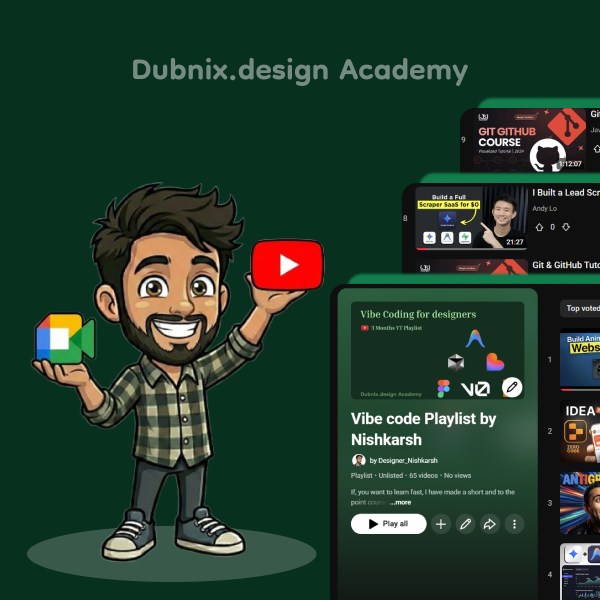
How to effectively use YT vibe coding playlist?
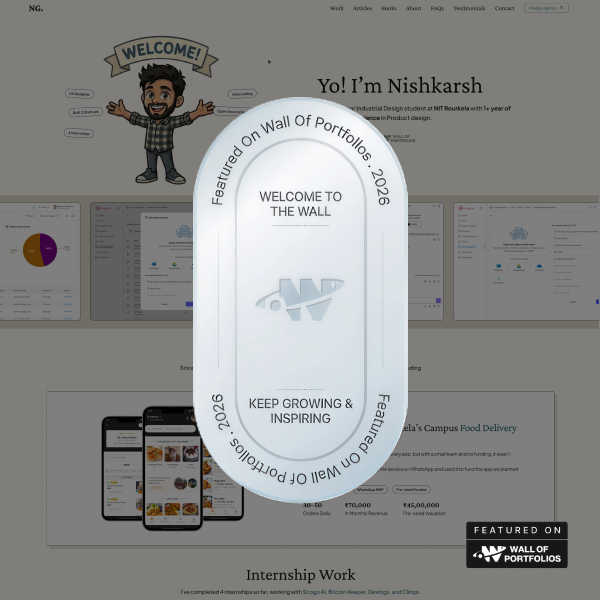
Wall of Portfolios, Portfolio Template Code files
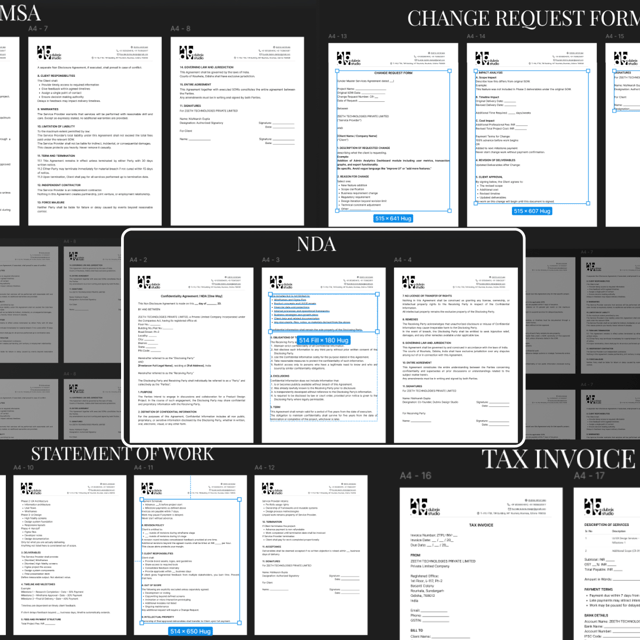
Agency Contracts & Invoice Editable Templates
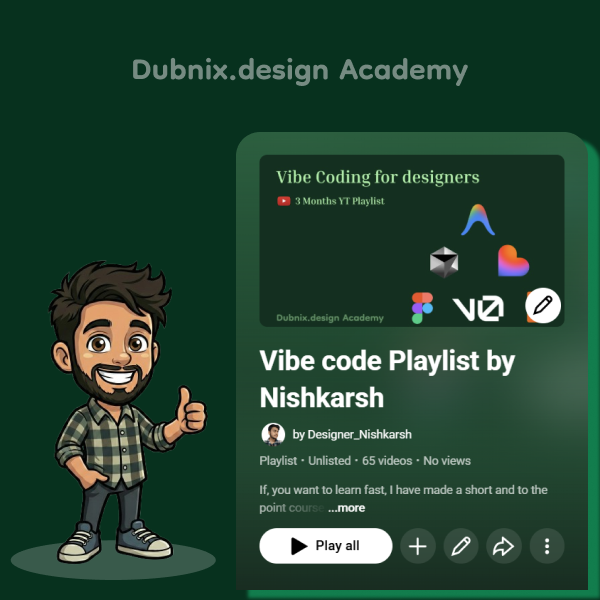
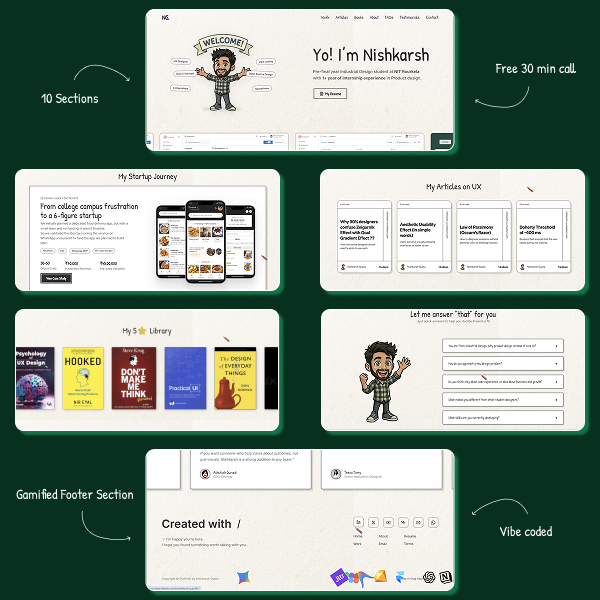
My V1 Portfolio Template Code Files
Break the Template: Vibecode Your Portfolio
About me
- Here is mine :)https://nishkarsh-ux.netlify.app/

Frequently asked questions
What is vibe coding in AI?
Vibe coding is a way of building software where you describe what you want in plain English and an AI tool writes the actual code for you. Instead of memorizing syntax, you focus on the idea, the design, and the logic while AI handles the implementation. You then test the output, describe what to fix, and refine in a loop until it works. It is especially useful for designers and students who want to build real, working products without a computer science background.
How to do vibe coding with Claude?
Start by writing a short brief of what you want to build — for example, a portfolio site with a hero section, three projects, and a contact form. Paste it into Claude, ask it to generate the code, then run it and describe exactly what looks wrong or needs to change. Keep instructions small and specific, like "make the header sticky" or "change the grid to three columns," instead of rewriting everything at once. The more clearly you explain the outcome you want, the better the result.
How to do vibe coding with Cursor?
Cursor is an AI-first code editor, so the workflow is different from chatting with a bot. You install Cursor, open your project folder, and use its AI chat or composer to generate and edit files directly inside your codebase. Because it can see your whole project, it works better once your site or app grows beyond a single file. A common approach is to build the first version with a chat AI, then move to Cursor when you are iterating on a real project.
How to use vibe coding effectively?
Treat the AI like a junior developer: give it one clear task at a time instead of one giant instruction. Always review what it generates, decide your colors, fonts, and spacing early so the design stays consistent, and test in the browser after every change. Save versions so you can roll back, and when something breaks, describe the error instead of starting over. Most people struggle with vibe coding because they give vague prompts or ship code they never tested.
What are the best vibe coding tools for beginners?
Most beginners need one AI assistant and one building tool. Claude and ChatGPT are great for generating code and explaining errors, Cursor is popular if you want an editor that writes code inside your project, and browser platforms like Lovable, Bolt, v0, and Replit let you build by typing prompts without touching code at all. If you are a complete beginner, start with a browser-based tool, then move to Cursor once you want more control.
Do I need a paid vibe coding course, or can I learn it for free?
You do not need a paid course. Vibe coding can be learned completely free if you follow a structured path — the biggest mistake is hopping between random videos without building anything. One good YouTube playlist plus one small project, like a portfolio or a landing page, is enough to understand the entire workflow. Paid courses are only worth it if you want accountability, feedback on your actual project, or a shortcut around beginner mistakes, not for the information itself.
Are there real vibe coding jobs?
Very few job posts say "vibe coder," but the skill itself is becoming highly employable. Companies now prefer designers and developers who can use AI tools to ship faster, and startups actively look for people who can take an idea to a working prototype on their own. For a designer, vibe coding puts you in the rare category of someone who can design and build their own ideas — which instantly separates you in interviews, internships, and hackathons.
How to become a UI UX designer?
Learn the fundamentals first — visual hierarchy, typography, layout, and user psychology — then get fluent in Figma. Build 3–4 real projects instead of redesigns of famous apps, document them as case studies that show your thinking, and put them in a portfolio that loads fast and looks intentional. Internships, hackathons, and open-source design work accelerate everything because they give you real constraints and real users. In India, a degree helps with eligibility, but recruiters hire based on your portfolio and how you explain your decisions.
What does a UI UX designer do?
A UX designer focuses on how a product works — researching users, mapping flows, wireframing, and testing whether people can actually use it. A UI designer focuses on how it looks and feels — color, typography, spacing, and interactions. In most Indian startups and product companies, one person handles both: taking a problem, turning it into screens, handing off to developers, and iterating based on feedback. The job is closer to problem-solving than drawing.
What is the average UI UX designer salary in India?
Freshers typically land in the ₹4–7 LPA range, with funded startups and product companies paying more than service-based IT firms. With 2–4 years of experience, ₹8–15 LPA is common, and senior designers at top product companies can cross ₹20–30 LPA. Your portfolio often matters more than your degree here — two freshers with similar education can end up with very different salaries based purely on the quality of their projects.
Are there UI UX designer jobs in Pune for freshers?
Yes. Pune has a large IT and product ecosystem, with areas like Hinjewadi and Kharadi hosting service giants as well as product startups that regularly hire junior designers. Freshers usually get in through internships that convert to full-time roles, off-campus drives, and LinkedIn outreach backed by a strong portfolio. If you are applying from another city, target internships first since the entry barrier is lower, and stay open to hybrid roles in the initial years.
Is it bad to use a design portfolio template?
Using a template is not the problem — submitting one without making it yours is. Recruiters open dozens of portfolios daily and instantly recognize the same popular layouts, and when the design looks generic, they assume the thinking inside is generic too. If you start with a design portfolio template, change the structure, write case studies in your own words, and customize the visuals. Better yet, build a custom site — with AI tools now, a unique portfolio takes days, not months.
Which vibe coding platforms can I use to build a portfolio without coding?
Platforms like Lovable, Bolt, v0, and Replit let you build a working website by describing what you want in plain language, so you never write code from scratch. You type a prompt like "a minimal portfolio with a hero section, three case studies, and a contact form," the platform generates it, and you refine it through follow-up prompts. For a design portfolio, this is usually faster than learning HTML, CSS, and hosting from zero — and you end up with a real, deployed website you own.
How long does it take to build a good design portfolio?
Realistically, most students take a few weeks to a couple of months because they overthink designs, switch tools, and keep redoing old sections. With a clear structure and AI tools, the same work can be compressed to about a week: fix your case studies first, then design or vibecode the site, then deploy and review. A portfolio is never truly finished anyway — treat version one as a launch, not a final product, and improve it as you add projects.
What are the best design portfolio websites for students?
Your best option is your own website, because a custom domain with your name instantly looks more professional than a profile link and shows genuine initiative. Behance and Dribbble work well as secondary channels for discovery, and a clean PDF is still useful for college applications and email submissions. Avoid depending on any single platform — recruiters should find your personal site first, with everything else pointing back to it.