Testimonials
Services
Photoshop vCS5 -software - fullVersion
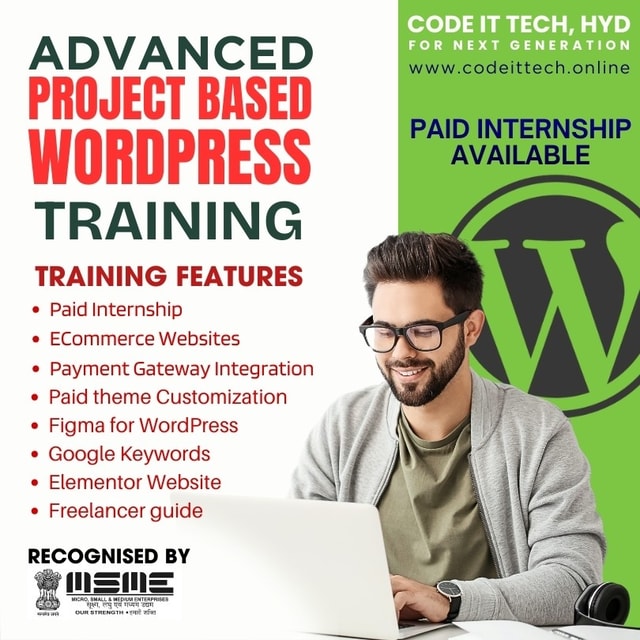
Advanced & Project based WordPress Training

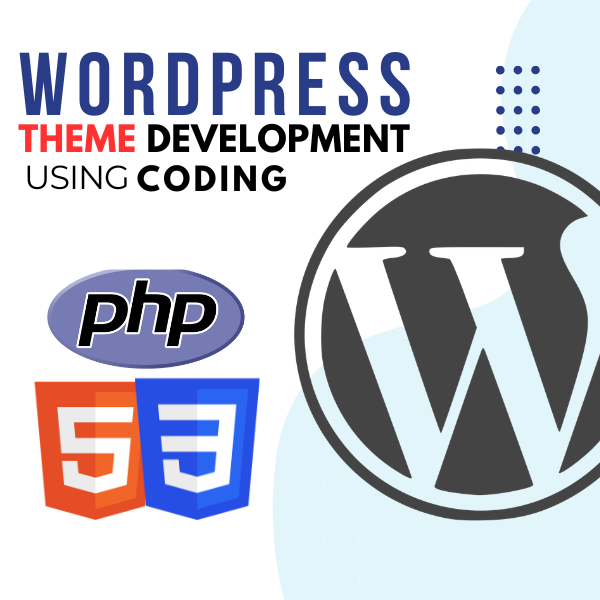
WordPress theme development with HTML / CSS & PHP
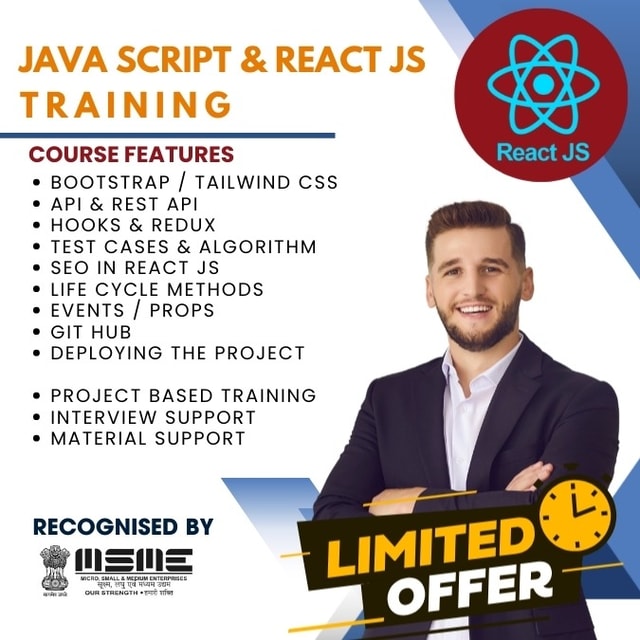
About me
Frequently asked questions
Is WordPress easy to learn?
Yes. WordPress is one of the easiest platforms to start with because you can build a complete website without deep coding knowledge. Basic site setup, themes, and plugins can be learned in a few weeks, while custom theme development takes longer since it requires HTML, CSS, and PHP. Beginners usually progress much faster with guided, project-based training than with random tutorials.
How long does it take to learn WordPress?
Most beginners can learn WordPress fundamentals — installation, the dashboard, themes, plugins, and building a basic website — in about 3 to 4 weeks. If you want to do theme development or take up freelance work, expect 2 to 3 months of consistent practice on real projects. Job-ready skill comes from building actual websites, not just watching videos.
What is WordPress development?
WordPress development is the process of building and customizing websites on the WordPress platform. It includes setting up sites, customizing themes, developing custom themes with HTML, CSS, and PHP, working with plugins, and adding features like payment gateways and WooCommerce stores. It remains one of the most in-demand web skills in India because a large share of business websites run on WordPress.
What are themes in WordPress?
A WordPress theme controls the design and layout of a website — colours, fonts, page structure, and overall styling. You can use ready-made themes, drag-and-drop builders like Elementor, or build a custom theme from scratch using HTML, CSS, and PHP. Custom themes are preferred when a business needs a unique design that pre-built themes cannot deliver.
How to create a custom theme in WordPress step by step?
The basic steps are: set up a local development environment, create a theme folder inside wp-content/themes, add the required style.css and index.php files, register the theme in functions.php, and then build template files like header.php, footer.php, and single.php. After that you add styling, menus, and widget support, and test the theme on a live server. Learning this while building a real project is far more effective than only reading documentation.
How do I start WordPress theme development from scratch?
Start by getting comfortable with HTML, CSS, and basic PHP, because WordPress themes are built with them. Then learn the WordPress template hierarchy, the loop, and hooks, and practise by converting a simple HTML design into a working theme. Building two or three complete themes from scratch is what gives you the confidence to take up client or freelance work.
Is a WordPress theme development course better than learning from free tutorials?
Free tutorials are fine for basics, but they rarely cover complete theme builds, payment gateway integration, or client-style projects. A structured WordPress theme development course gives you a clear learning path, mentor support for doubts, and project work you can show employers or clients. If your goal is freelancing or a job, guided training with real-time projects usually shortens the learning curve significantly.
What is a WordPress course?
A WordPress course is a structured training program that teaches you how to build and manage websites on WordPress. A good course covers domain and hosting setup, the dashboard, themes and plugins, page builders like Elementor, WooCommerce, and basic customization. Many courses also include live projects so you finish with a working portfolio, not just theory.
What should WordPress training for beginners include?
Good WordPress training for beginners should cover site setup, hosting and domains, working with themes and plugins, a page builder like Elementor, and building at least one complete website end to end. It should also touch on customization with HTML and CSS so you are not limited to pre-made designs. Avoid programs that only explain the dashboard without any hands-on project work.
How do I find good WordPress training near me?
Shortlist institutes or trainers in your city and compare their syllabus, batch size, and whether they teach theme development and WooCommerce rather than just basics. Check if they offer real-time project work, 1:1 mentor support, and placement or internship assistance, since these matter a lot for job seekers. Many trainers now also run live online sessions, so you are not restricted to training centres in your own locality.
What is a React JS course?
A React JS course is a training program that teaches you to build user interfaces using the React library. It typically covers JavaScript essentials, components, props, state, hooks, routing, and API integration, ending with hands-on projects. A good course focuses on building real applications because React interviews test practical skills, not just theory.
How to learn React JS step by step?
First strengthen your JavaScript fundamentals — functions, arrays, objects, and ES6 features. Then learn JSX, components, props, and state, followed by hooks like useState and useEffect, routing with React Router, and connecting to APIs. Finish by building two or three complete projects, such as a to-do app, an e-commerce front end, or a dashboard, since projects are what employers actually evaluate.
Is React JS training online effective for beginners?
Yes, provided the training includes live sessions, doubt-clearing with a mentor, and hands-on projects. Recorded-only courses often fail beginners because no one is available when you get stuck. Live 1:1 or small-batch online training with project reviews works almost as well as classroom learning and lets you learn from good trainers outside your own city.
What should I check before joining React JS training in Bangalore?
Compare the syllabus depth — it should go beyond basics into hooks, API integration, and at least one full project. Ask whether the program includes mock interviews, resume support, and placement or paid internship assistance, because these decide how quickly you get hired. Also check the mentor's experience and whether you get 1:1 support during the course.
Is React JS in demand in India?
Yes. React JS is one of the most frequently requested front-end skills on Indian job portals, used by startups and large companies alike for web applications. Entry-level developers with strong project portfolios get hired quickly, and many training programs now bundle paid internships so freshers gain real project experience before applying for jobs.