Testimonials
Services
ALL IN ONE HABIT BUNDLE - TRACKERS & EBOOK

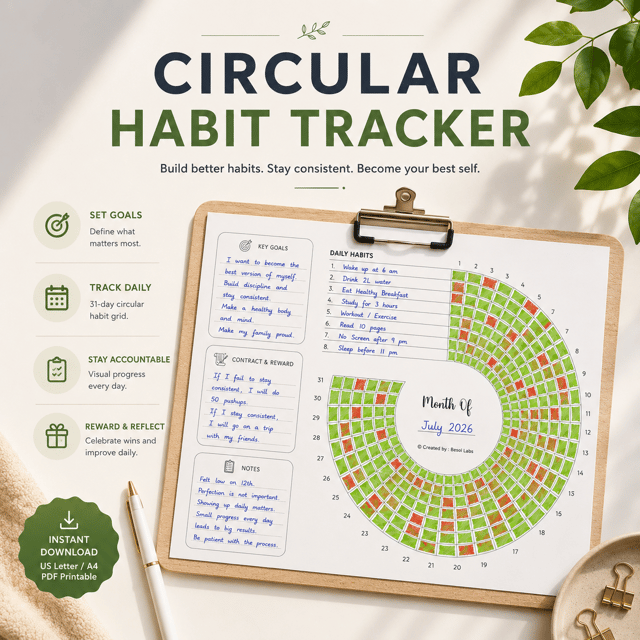
[Printable] Monthly Circular Habit Tracker PDF
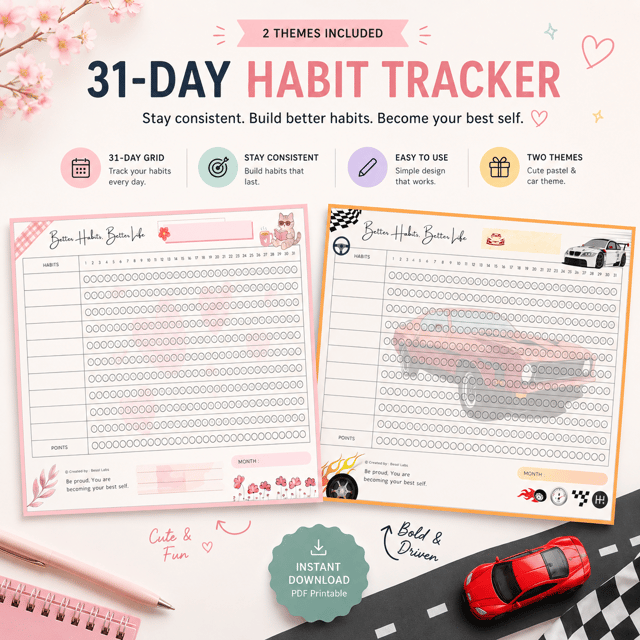
[Printable] Monthly Themed Habit Tracker PDF
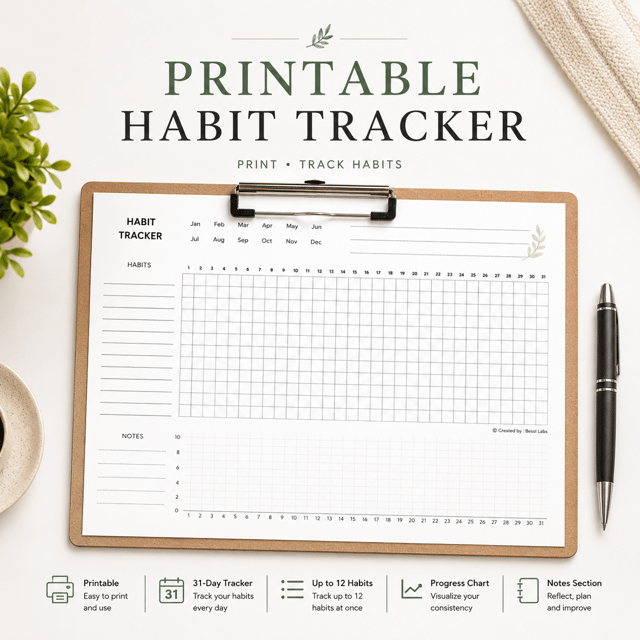
[Printable] Monthly Minimalist Habit Tracker PDF
About me
Frequently asked questions
What is a gamified habit tracker?
A gamified habit tracker turns your daily routines into a game: you earn XP or points for every habit you complete, unlock levels, and try to protect your streak. It works because small, instant rewards make consistency feel addictive in a good way. It can be a dedicated gamified app or a well-built spreadsheet that scores you automatically.
How does a gamified habit tracker for Google Sheets work?
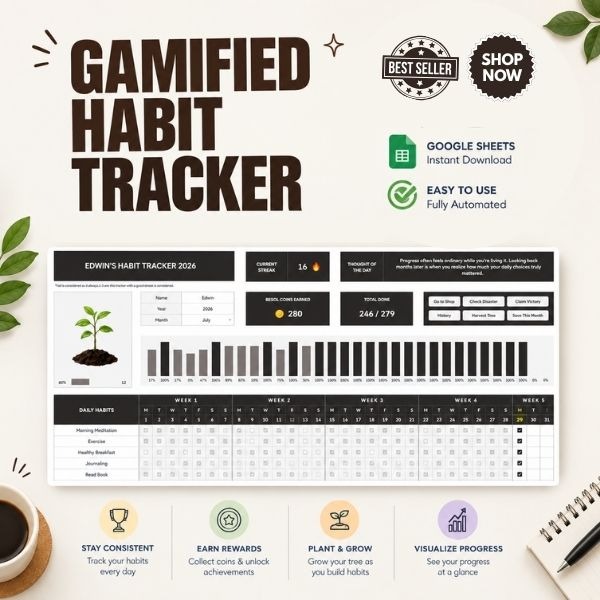
A gamified habit tracker for Google Sheets usually works like this: you mark each habit as done every day, and built-in formulas convert those marks into points, levels, and streaks. It runs in your browser and on the Google Sheets mobile app, you set it up once, and your progress updates automatically every time you tick a box.
Can you build a gamified habit tracker in Notion?
Yes — a gamified habit tracker in Notion is typically built with databases, formulas, and buttons, so it's possible, but the setup takes real time and formula knowledge. That's one reason many people prefer Google Sheets for gamified tracking; the formulas are simpler and ready-made templates are easier to find.
Are there any free gamified habit trackers?
A complete free gamified habit tracker is genuinely hard to find, because the XP, level, and streak formulas take serious work to build — most free downloads are simple tick-box grids. A practical route is to start with a free basic tracker, and upgrade to a paid gamified template once you know you'll stick with the routine.
Is a gamified habit tracker app better than a spreadsheet?
It depends on how you like to work. A gamified habit tracker app is convenient — reminders, clean design, everything on your phone — but most run on a subscription. A spreadsheet-based tracker is usually a one-time purchase, works offline, and lets you customise every rule, so it suits people who want control without recurring costs.
Do gamified habit trackers actually work?
For most people, yes. A gamified habit tracker gives you an instant reward — points, a level-up, an unbroken streak — every single time you complete a habit, and that feedback loop is exactly what plain checklists lack. It still can't do the habit for you, but it makes showing up daily feel easier, which is why many users say it becomes part of their nightly routine.
What is a habit tracker app?
A habit tracker app is software for logging your daily habits, maintaining streaks, and setting reminders so you don't break the chain. It's ideal if you want everything on your phone. If you prefer a bigger visual overview of your month, a spreadsheet or printable tracker does the same job.
What should I look for in a habit tracker template?
The best habit tracker template is the one you'll actually fill in every day, so look for a clear monthly grid, space for 3–5 habits, and — if it's digital — automatic scoring for streaks and completion rates. Decide between a printable version and a spreadsheet version, and pick a design that genuinely motivates you rather than a plain table.
How do I use a habit tracker PDF?
Using a habit tracker PDF is simple: download it, print it, write this month's habits at the top, then tick or colour a box each day you follow through, and review it weekly to spot patterns. Printables usually come in themed, circular, or minimalist layouts, so choose whichever you'll enjoy marking daily.
How do I create a habit tracker in Excel?
To build a habit tracker in Excel, list your habits in rows, add the days of the month across the columns, and mark a cell whenever you complete a habit. Use conditional formatting to colour completed cells and a COUNTIF formula to calculate streaks and completion percentages. If that feels like too much setup, start from a ready-made template.
Where can I find a free habit tracker Excel template?
You can find a free habit tracker Excel template in Excel's built-in template gallery, on template marketplaces, or in the Google Sheets template library. Just remember that free versions are usually plain grids without streak formulas or gamification — if you want automatic scoring, a premium template is normally a small one-time cost.
What is a habit tracker in a bullet journal?
A habit tracker in a bullet journal is a hand-drawn spread with habits listed down one side and the days of the month across the top — you colour in a box every time you complete a habit. People love it because it's fully customisable, but drawing a fresh grid every month takes effort. Printable habit tracker PDFs give you the same layout ready to use.
How do I make a habit tracker?
If you're searching for how to make a habit tracker, you have three routes: draw one in a notebook or bullet journal, build one in Excel or Google Sheets with formulas for streaks, or use an app. Whichever you choose, track only 3–5 habits, mark them at the same time each day, and review your progress weekly.
How do I gamify habit tracking?
The easiest way to learn how to gamify habit tracking is to give every habit an XP value, add levels that unlock as your points grow, and treat a broken streak as losing a life. Reward yourself with something small on every level-up. A spreadsheet handles this well because formulas can update your score automatically each time you tick a habit.
How do I use a Google Sheets template?
Once you know how to use a Google Sheets template, setup takes under a minute: open the file, click "Make a copy" so it saves to your own Drive, then replace the sample habits with your own. The formulas keep working in your copy, and you can edit it from any device signed into your Google account.