Testimonials
Services
1:1 Mentorship to get Job in M365
1:1 Resume Review + Interview Prep
Mock Interview
M365 Resume – Get Interview Calls Faster
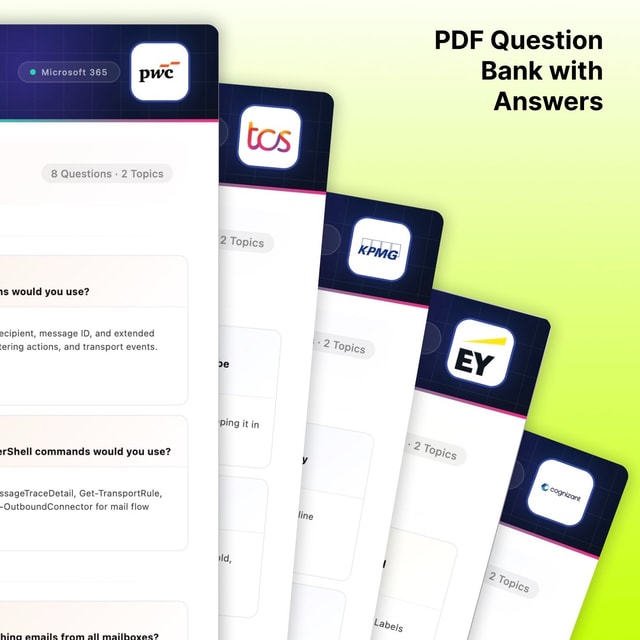
PWC, KPMG, EY, TCS & Cognizant M365 Question Bank
Resume + AI Project + Interview Questions
M3365 AI Project
No Experience? Steal This M365 Project & Get Jobs
About me
Frequently asked questions
How to get a Microsoft 365 certification?
Pick a role-based path first, then prepare and book the exam. Beginners usually start with Microsoft 365 Certified: Fundamentals (exam MS-900), study the free learning paths on Microsoft Learn, and schedule the exam online or at a Pearson VUE test centre. After that, move to an associate-level certification like Endpoint Administrator (MD-102), and later the Microsoft 365 Certified: Administrator Expert (MS-102) once you have hands-on experience. Candidates from technical support or desktop support backgrounds commonly use this Fundamentals-to-Associate route to switch into M365 admin roles.
What is Microsoft 365 Certified: Fundamentals and is it worth it for beginners?
It is the entry-level Microsoft certification that proves you understand basic cloud concepts, Microsoft 365 services like Exchange Online and Teams, security, compliance, and licensing, tested through the MS-900 exam. It is worth doing if you are from a non-IT or support background because it signals to recruiters that you have moved beyond basic computer skills. It will not get you an admin job on its own, but it is the fastest, lowest-cost way to start the M365 path.
What is Microsoft 365 Certified: Endpoint Administrator Associate and who should pursue it?
It is a role-based certification (exam MD-102) that validates your ability to deploy, configure, and secure Windows devices using Intune, Microsoft Entra ID, and Autopilot. It suits people already working in desktop support or system administration who want to move into modern device management roles. There is no formal prerequisite, but interviewers expect you to show real hands-on lab work with Intune policies and device enrolment.
What is the right Microsoft 365 certifications roadmap for beginners?
A practical sequence is: Fundamentals (MS-900) → one associate-level role certification such as Endpoint Administrator (MD-102) → Microsoft 365 Certified: Administrator Expert (MS-102) after 1–2 years of hands-on work. Choose the associate certification based on the job you want — device management roles point to MD-102, while messaging-focused roles lean on Exchange Online skills. Avoid collecting certificates without labs, because interviews test you on scenarios, not theory.
Are there any free Microsoft 365 certifications?
The training is free — Microsoft Learn offers complete learning paths for every exam — but the exams themselves are paid, and you need a valid voucher to get certified. Microsoft's official virtual training events sometimes include exam discounts or free fundamentals-level vouchers, so it is worth checking before booking. Be cautious of websites promising completely free certifications, because a genuine Microsoft certification always comes through a proctored exam.
What are the most asked M365 interview questions and answers for freshers?
Freshers are commonly asked to explain Exchange Online vs on-premises Exchange, what Microsoft Entra ID (formerly Azure AD) is, Intune vs SCCM, types of groups and shared mailboxes, mail flow basics, and security defaults vs Conditional Access. Prepare a short definition plus one practical example for each, because interviewers at Indian IT services and MNC companies quickly follow up with "how would you troubleshoot this?" style scenarios.
What kind of M365 admin interview questions are asked for experienced professionals?
Expect deep-dive questions on tenant-to-tenant and Exchange Online migrations, hybrid configuration, Conditional Access design, Intune policy troubleshooting, PowerShell automation, and compliance scenarios. Most M365 interview questions for experienced professionals test whether you have actually handled production incidents, so prepare 3–4 real project stories in a problem-action-result format.
How do I prepare for M365 engineer interview questions with no hands-on experience?
Create a free Microsoft 365 trial tenant and build a self-initiated project — set up users and groups in Entra ID, configure mail flow in Exchange Online, enrol a device in Intune, and apply a few security policies. Document the project, add it to your resume, and practise explaining each step, because a documented lab project is the accepted way to prove M365 skills when you have no formal job experience. Recruiters do consider candidates who can demonstrate this kind of hands-on work while still in support roles.
What M365 Copilot interview questions are companies asking now?
With Copilot rollouts increasing, interviews now include questions on how Copilot works with Microsoft Graph, its licensing prerequisites, enabling it in the tenant, and handling data governance issues like oversharing. Admins who can explain both the technical setup and the security implications of Copilot have a clear edge, especially in companies still evaluating adoption.
Does Microsoft 365 have resume templates?
Yes — Word in Microsoft 365 includes ready-made resume templates you can customise, and Copilot in Word can also help you draft and tailor content. There is no separate Microsoft 365 resume builder app; the Word templates combined with LinkedIn tools cover that need. Keep in mind that for IT and M365 roles, a template only fixes formatting — getting interview calls depends on matching your resume content to keywords like Intune, Exchange Online, and Entra ID from the job description.
Is listing Microsoft Office on a resume enough to get an M365 job?
No — listing Microsoft Office (Word, Excel, PowerPoint) only shows basic computer literacy, while M365 admin and engineer roles are screened for Exchange Online, Intune, Entra ID, PowerShell, and migration experience. Replace the generic "MS Office" line with specific M365 skills, certifications in progress, and at least one hands-on project. This single change makes a bigger difference for interview calls than any formatting tweak.