Testimonials
Services
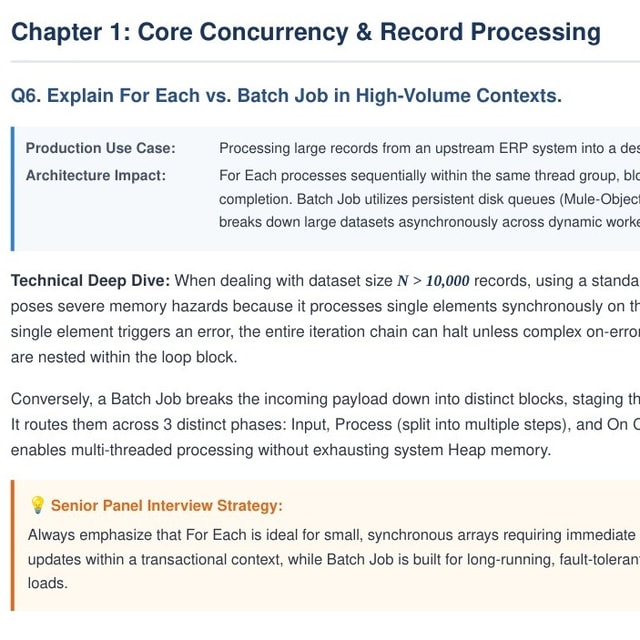
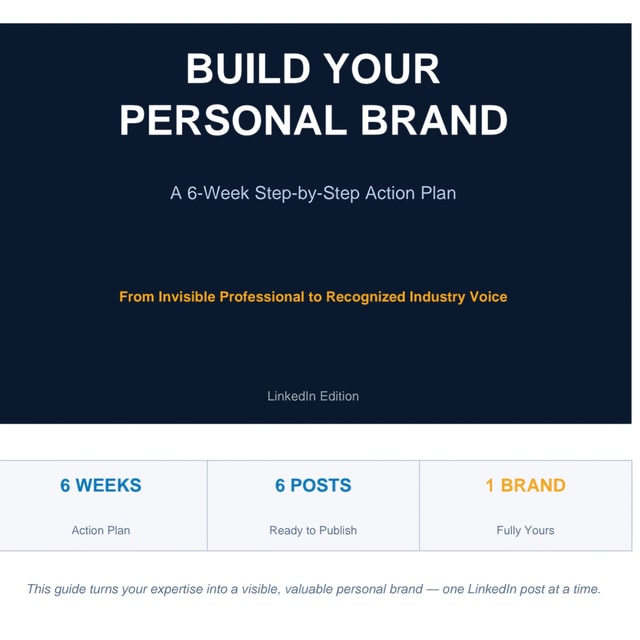
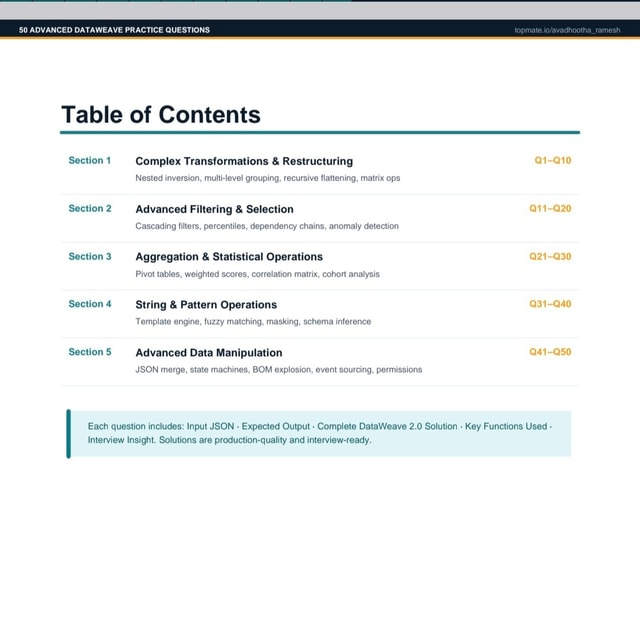
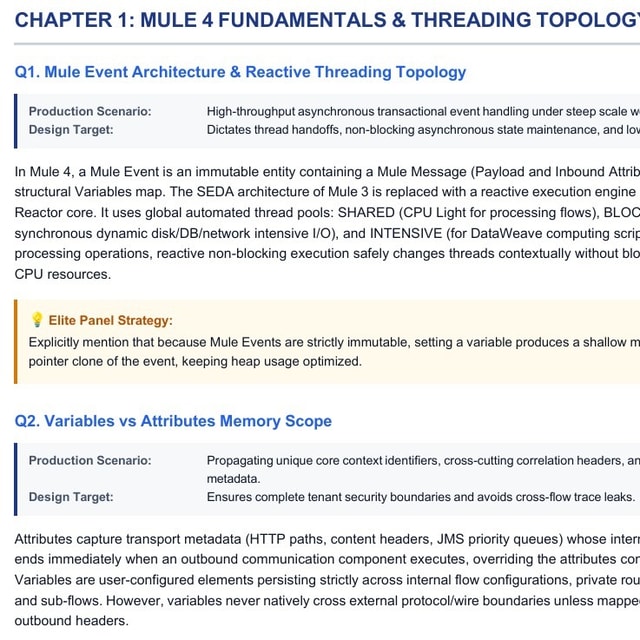
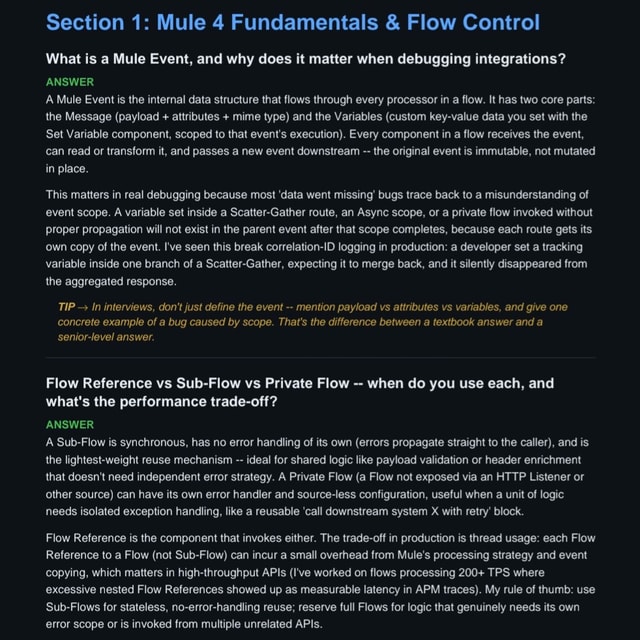
PAID_Bank_Insurance_Telecom_MuleSoft_QA
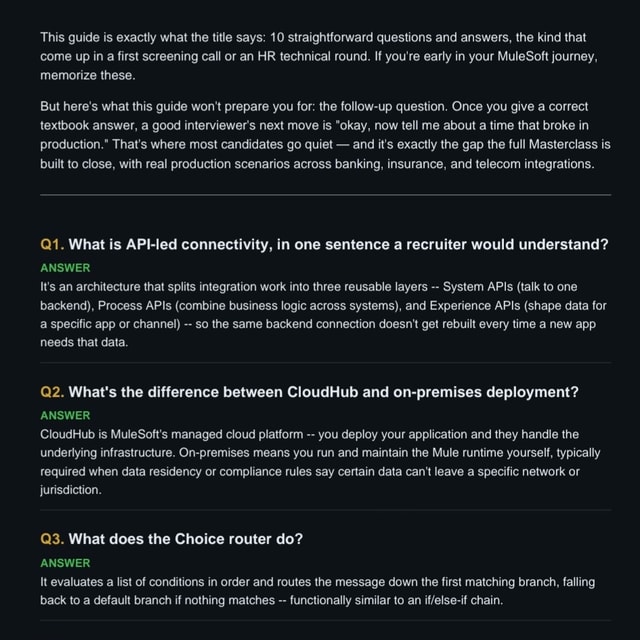
Bank_Insurance_Telecom_MuleSoft_QA
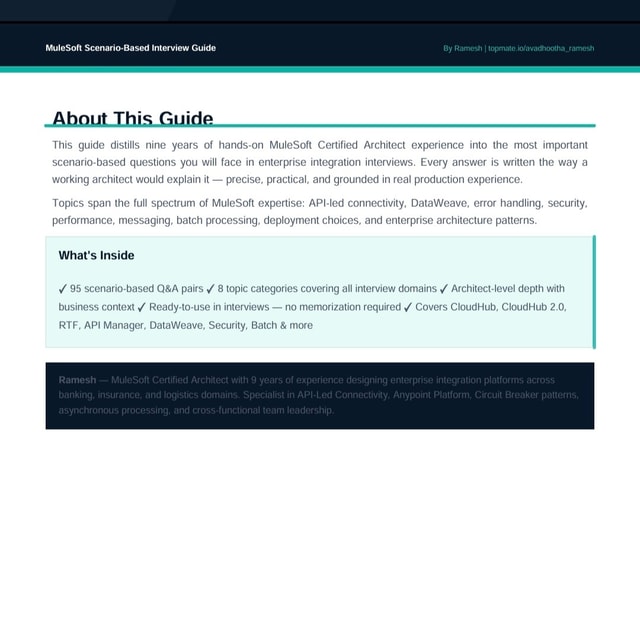
Premium MuleSoft Interview Guide Banking Domain
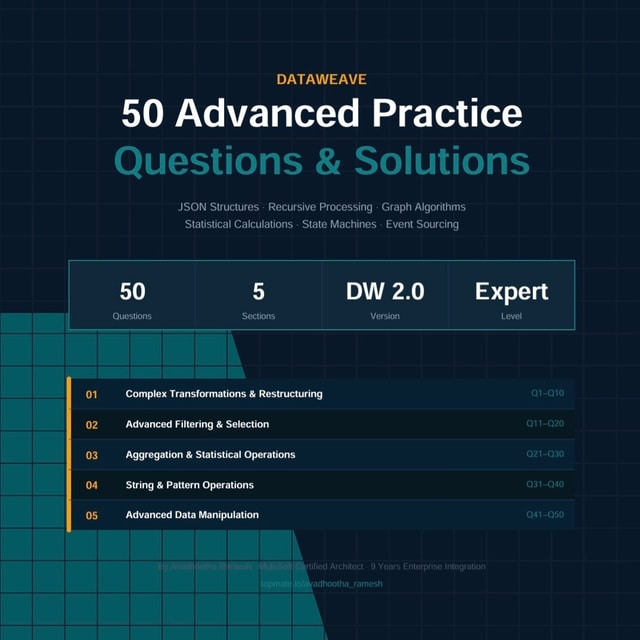
All in One MuleSoft Package
About me
Frequently asked questions
How to use LinkedIn for personal branding as a working professional?
Start by tightening your profile — a clear headline that says what you do, an About section written for your target audience, and a professional photo. Then post consistently about your domain: lessons from projects, opinions on industry trends, and things you are learning. Spend 10–15 minutes a day engaging genuinely with posts in your niche, because comments often grow reach faster than your own posts. Done consistently, this is what turns LinkedIn from an online resume into a personal branding channel.
How to build a LinkedIn personal brand from scratch?
Pick one clear niche you want to be known for and make sure your headline and About section state it plainly. Build 2–3 content pillars around that niche and commit to posting 2–3 times a week for at least 90 days, sharing real experiences, mistakes, and lessons instead of generic motivational content. Connect with people in your industry daily and reply to every comment in the early months. Most people quit within the first month, so treating it as a long game is the real differentiator.
What is personal branding and why does it matter for your career?
Personal branding is the practice of deliberately shaping how people perceive your skills, expertise, and values, so that opportunities, referrals, and roles start finding you instead of you chasing them. For working professionals, it usually means being known for something specific within your industry, most often through platforms like LinkedIn. It matters because recruiters, hiring managers, and clients increasingly check your online presence before or alongside your CV, and a visible expert is almost always valued and paid more than an invisible one.
What are the most common MuleSoft interview questions for experienced professionals?
For experienced candidates, interviews usually go deep on API-led connectivity, error handling, scopes, DataWeave transformations, caching, Batch processing, and Mule 4 concepts like event sources and processors. Expect scenario questions drawn from your own projects — integration design decisions, performance tuning, deployment on CloudHub or on-prem, and CI/CD for Mule applications. Interviewers also probe architecture: when you would choose MuleSoft over point-to-point integration, and how you handle security, retries, and monitoring. Prepare 4–5 detailed project stories you can adapt to different questions.
Which MuleSoft interview questions for freshers are most commonly asked?
Freshers are typically tested on fundamentals: what MuleSoft and the Anypoint Platform are, API-led connectivity, basic flow structure in Mule 4, connectors, and simple DataWeave transformations. Be ready to explain concepts like message sources, processors, properties, and the difference between a flow and a subflow in plain language. Build a small hands-on project in Anypoint Studio, such as a basic REST API with a transformation, because practical clarity immediately stands out. Since fresher rounds are decided mostly on basics, confident and well-structured answers matter more than advanced jargon.
How do I practice MuleSoft interview questions and answers effectively?
Reading lists passively is the biggest mistake — answer each question aloud or in writing before checking a model answer, because interviews test recall under pressure. Group MuleSoft interview questions and answers by topic such as DataWeave, error handling, API design, and deployment, and revise topic-wise rather than randomly. For every concept, prepare a one-line definition plus a real example from your work or a practice project. Doing at least one mock interview with a mentor or peer before the actual round is one of the highest-ROI steps in your preparation.
Is preparing from a MuleSoft interview questions PDF enough to crack an interview?
A good MuleSoft interview questions PDF is useful for structured revision and last-minute prep, but on its own it rarely gets you through. Interviewers rarely stick to the exact printed question — they ask follow-ups like "why did you choose that approach?" or give you a live transformation to solve. Use the PDF to organise topics and identify weak areas, then deepen each area with hands-on practice in Anypoint Studio and by building small APIs. PDF plus practical work covers both the theory round and the scenario round.
What kind of MuleSoft DataWeave interview questions are usually asked?
Most MuleSoft DataWeave interview questions revolve around practical transformations: mapping one JSON to another, filtering lists, grouping data, flattening or nesting payloads, and formatting dates. Frequently asked functions include map, mapObject, filter, reduce, groupBy, join, and orderBy, along with type coercion and null handling. For roles with 3+ years of experience, you may get scenario tasks such as merging two payloads or building a transformation that handles errors gracefully. Practising these by actually writing code, not just reading syntax, is what makes the difference.
Where can I find good MuleSoft DataWeave practice questions before an interview?
Look for structured MuleSoft DataWeave practice questions that progress from basics like mapping and filtering to harder tasks such as grouping, joins, XML-to-JSON conversion, and date handling. Timed practice matters because many interviews give you a live transformation exercise with limited time. A simple method is to take a real payload from your project or a sample API response and write five different transformations on it. Structured practice sets, especially domain-specific ones like banking or telecom payloads, are the fastest way to prepare for scenario rounds.
Is there a MuleSoft DataWeave playground to test transformations online?
Yes — the DataWeave Playground lets you write and test DataWeave expressions against sample payloads without setting up a full Mule project, making it the quickest way to experiment with syntax. Anypoint Studio also has a DataWeave preview pane that shows transformation output as you code, which is handy during real development. For interview prep, attempt practice questions in a playground before looking at solutions, because typing transformations yourself is very different from reading them. Reusing a fixed set of payloads keeps your practice sessions focused.
What are common MuleSoft interview questions for the banking domain?
MuleSoft interview questions for the banking domain usually combine integration scenarios with domain context: high-volume file-based transfers, secure payment APIs, retry and idempotency logic, and compliance-driven needs like encryption and audit logging. Expect questions on batch processing of large files, error handling for critical transactions, and integrating legacy core systems with modern channels. Interviewers want to see that you understand why integration decisions matter more when money movement is involved — reliability, traceability, and security come first. Preparing two or three banking-specific scenarios in detail helps you stand out from generic answers.
Is a LinkedIn personal branding course worth it for working professionals?
It depends on how you learn — a LinkedIn personal branding course is worth it if you need structure, accountability, and feedback, which is exactly what most self-learners struggle with. Free content teaches the "what" but rarely includes personalised review of your profile, positioning, and posts, and that feedback loop is what speeds up results. If you are a working professional with limited time, a structured program with clear milestones usually beats piecing together random tips. Whatever you choose, make sure it includes actual review of your profile and content, not only theory.
What is a good LinkedIn personal branding strategy for working professionals?
A LinkedIn personal branding strategy that consistently works is: choose one niche, build content pillars around it, post 2–3 times a week, and engage with your industry daily. Balance your content mix — lessons from real work, opinions on trends, and practical tips your target audience actually needs. Track what earns comments rather than just likes, and double down on those formats. Review your positioning every quarter so your profile and content stay aligned with the roles or clients you actually want next.
What are some good LinkedIn personal branding examples to learn from?
The best LinkedIn personal branding examples usually share three traits: a laser-clear niche in the headline, a story-driven About section, and posts that teach or share real experiences instead of reposting generic quotes. Study professionals in your own industry who post consistently — observe their first lines, how they structure posts, and how they respond to comments. Notice how they turn everyday projects into lessons, which is the core skill behind personal branding. Rather than copying anyone's style, extract the patterns and adapt them to your own voice and audience.
When should you hire a LinkedIn personal branding consultant instead of doing it yourself?
Consider hiring a LinkedIn personal branding consultant when you have been posting consistently for months with little traction, when you are short on time and need a clear plan, or when you are targeting a big shift like a career switch or attracting clients and cannot afford a slow trial-and-error phase. A consultant can audit your profile, sharpen your positioning, and point out what your content is missing — things that are hard to see on your own. If you are disciplined and early in your career, doing it yourself with good resources can work; if speed and outside perspective matter, expert help usually pays for itself.