Testimonials
Services
Quick chat
Resume Review
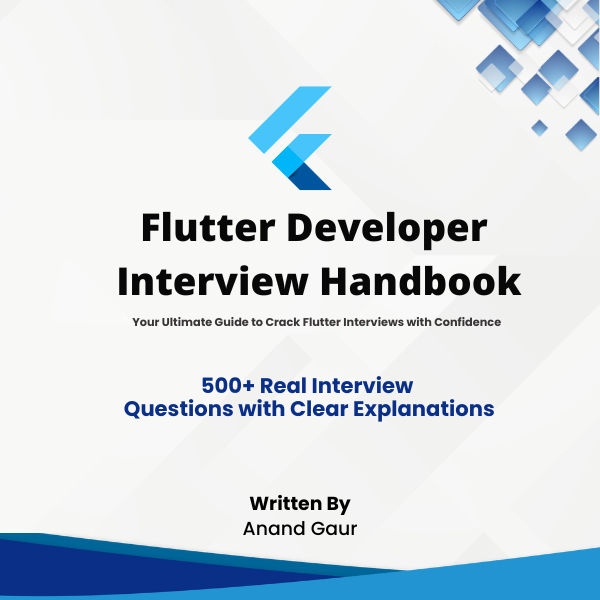
Flutter Developer Interview Handbook

AI Expert Sessions – AI Mobile Hackathon Recording
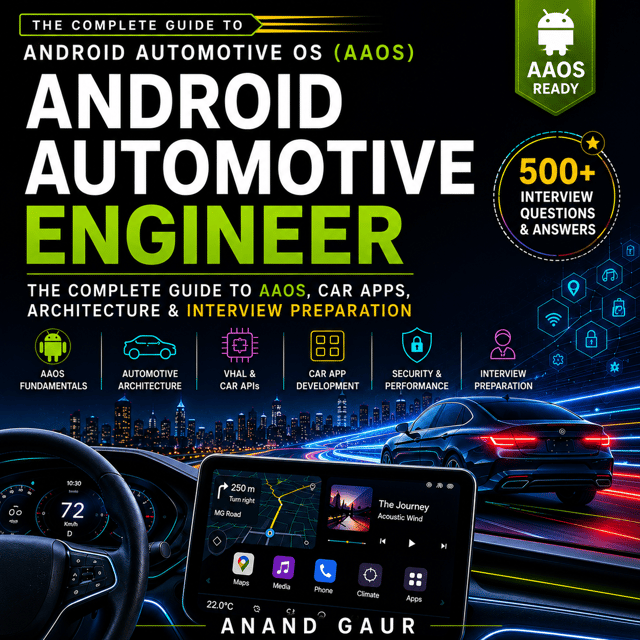
Career Counselling & Growth Guidance
1:1 Mentorship – Grow Faster in Your Tech Career
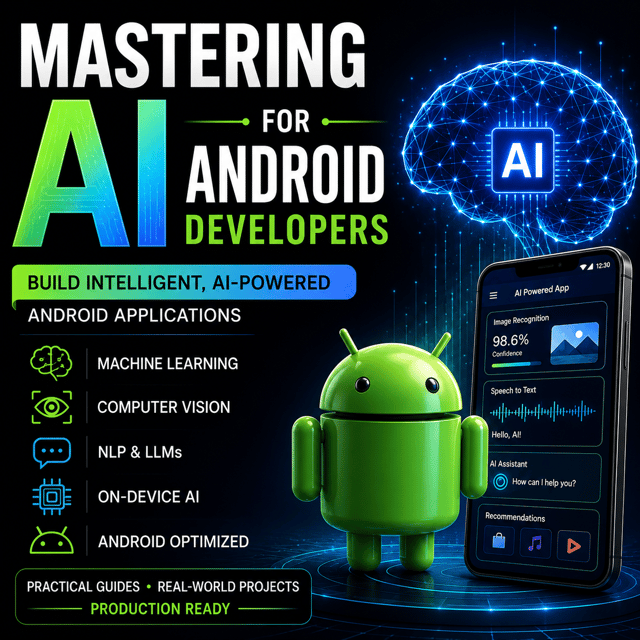
Mock Interview with Detailed Feedback
The Tech Mentor Pack
Complete Placement Prep Guide
React Native Developer Interview Handbook
Android Developer Interview Handbook
Interview Prep & Tips
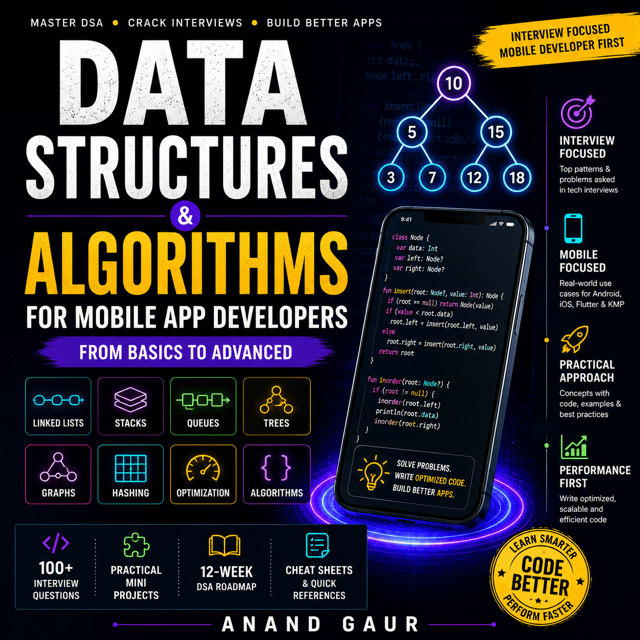
DSA for Mobile App Developers
Android Development with AI — Roadmap & Mentorship
Cracking the Mobile System Design Interview
Mobile System Design Mock Interview
Mock Interview Package: Monthly Plan
About me
- Technical Anand Gaur - YouTubehttps://www.youtube.com/@technicalanandgaur

Frequently asked questions
How to learn Android development from scratch as a complete beginner?
If you're figuring out how to learn Android development, start with Kotlin fundamentals and Android Studio, and write your first small app within the first week instead of spending months on theory. Follow a simple sequence: Kotlin basics → UI with Jetpack Compose → storing data locally → calling REST APIs → publishing one complete app on the Play Store. Real projects teach faster than tutorial playlists, and one finished, published app matters more than ten unfinished ones when you start applying for jobs.
What is a practical Android development roadmap for beginners?
A solid Android development roadmap looks like this: learn Kotlin, build UI with Jetpack Compose, understand app components and navigation, add a data layer with Room and Retrofit, apply MVVM or Clean Architecture, and finally ship a complete app. Give each stage 3–4 weeks of consistent practice, and prepare for interviews with DSA basics in parallel. Most beginners can reach a job-ready level in 4–6 months with this order.
Should I start Android development with Kotlin or Android development in Java?
Begin with Android development with Kotlin — it's Google's officially recommended language, most new libraries and Jetpack APIs are Kotlin-first, and the majority of current job openings expect it. Android development in Java still matters if you plan to maintain legacy codebases at older companies, but as a beginner you get far better mileage from Kotlin. The two languages are interoperable, so you can always read Java code later.
What is an Android development environment and which Android development tools do I need to install first?
An Android development environment is the complete setup on your machine that lets you build, run, and test Android apps. The essential Android development tools are Android Studio (the official IDE), the Android SDK, an emulator or a physical device, and the JDK. Install Android Studio first since it bundles the SDK and emulator, and you can run your first "Hello World" app within an hour.
Is an Android development course enough to get a job as a fresher?
An Android development course gives you structure, but courses alone rarely get freshers shortlisted — recruiters in India focus on projects, a GitHub portfolio, and problem-solving ability. Use a course to build fundamentals, then create 2–3 solid apps including one with API integration and one published on the Play Store. Pair that with DSA practice and mock interview practice to clear service-based and product-based company hiring tests.
What are the most commonly asked Android development interview questions?
The most frequently asked Android development interview questions cover the Activity lifecycle, Intents, Kotlin coroutines and Flow, Jetpack Compose vs XML, MVVM and Clean Architecture, Room and Retrofit, dependency injection with Dagger/Hilt, and performance optimization. Interviewers also test debugging scenarios and DSA fundamentals. Practicing answers out loud in mock interviews makes a bigger difference than re-reading notes.
What is Jetpack Compose in Android and why is it replacing XML layouts?
Jetpack Compose is Android's modern, Kotlin-based declarative UI toolkit — you describe what the screen should look like for a given state, and the framework updates the UI automatically. Compared to XML, it reduces boilerplate, makes reusable components easier, and works naturally with Kotlin coroutines and state management. Most new Android projects and updated interview loops now expect Compose knowledge.
How to use Jetpack Compose in Android Studio to build your first screen?
Install the latest stable Android Studio, create a new project with the "Empty Activity" template (Compose-based by default), and open the MainActivity file to see @Composable functions with a live @Preview pane. Edit the composable code, check the preview or run it on the emulator, and iterate instantly. Once comfortable, convert one simple XML screen into Compose — it's the fastest way to understand how Compose maps to layouts you already know.
How to learn Jetpack Compose if I already know XML layouts?
The best way to learn Jetpack Compose is to rebuild screens you've already made in XML, since familiarity speeds everything up. Focus on three core ideas first: composables, state handling with remember and mutableStateOf, and recomposition. Then move to modifiers, LazyColumn, navigation, and side effects like LaunchedEffect. Rebuilding one real screen per day for two weeks is usually enough for Compose to feel natural.
What kind of Jetpack Compose interview questions are asked in Android interviews?
Commonly asked Jetpack Compose interview questions include recomposition and how to optimize it, state hoisting, remember vs mutableStateOf, LazyColumn vs RecyclerView, Compose vs XML trade-offs, navigation in Compose, and side-effect handlers. Expect a few live-coding or UI-recreation tasks as well. Prepare short, example-backed answers for each topic rather than memorizing definitions.
What is Flutter app development and how is it different from native Android development?
Flutter app development means building Android and iOS apps from a single Dart codebase using Flutter's widget system, compiled to native machine code. Native Android development uses Kotlin or Java with direct platform APIs, giving deeper access to device features, while Flutter trades some of that for faster cross-platform delivery. Choose Flutter when you need to ship to both stores quickly with a small team, and native when you need deep platform integration or maximum performance.
How to learn Flutter development as a complete beginner?
If you're planning how to learn Flutter development, spend a few days on Dart first — null safety, async/await, and OOP basics — before touching widgets. Then learn the widget tree, stateless vs stateful widgets, and one state management approach like Provider or Riverpod, followed by REST API and Firebase integration. Build one small complete app early; Flutter's hot reload makes experimentation fast, so learning by building beats watching long courses.
What does a realistic Flutter development roadmap look like for getting job-ready?
A practical Flutter development roadmap looks like this: Dart fundamentals → widgets and layout → state management → networking and local storage → Firebase → publishing an app → one strong portfolio project with clean architecture. Add DSA practice for screening rounds. For most freshers, 3–4 months of focused effort is a realistic timeline to become job-ready.
Are there enough Flutter development jobs in India for freshers?
Yes — Flutter development jobs in India are concentrated in startups, app agencies, and mid-size product companies that want Android and iOS shipped together by small teams. The volume is slightly lower than native Android roles, so widen your applications to cross-platform postings and keep basic Kotlin skills handy. A portfolio of 2–3 working apps plus DSA preparation keeps you competitive.
How do I get a Flutter development internship as a college student?
To get a Flutter development internship, build 2–3 small Flutter apps hosted on GitHub or published on the Play Store first — interns get shortlisted on proof of work, not certificates. Apply through LinkedIn, Internshala, and startup job boards with a one-page resume highlighting your apps and tech stack. Contributing to open-source Flutter packages or joining hackathons helps you stand out, and be ready for basic Dart and widget questions in screening calls.