Testimonials
Services
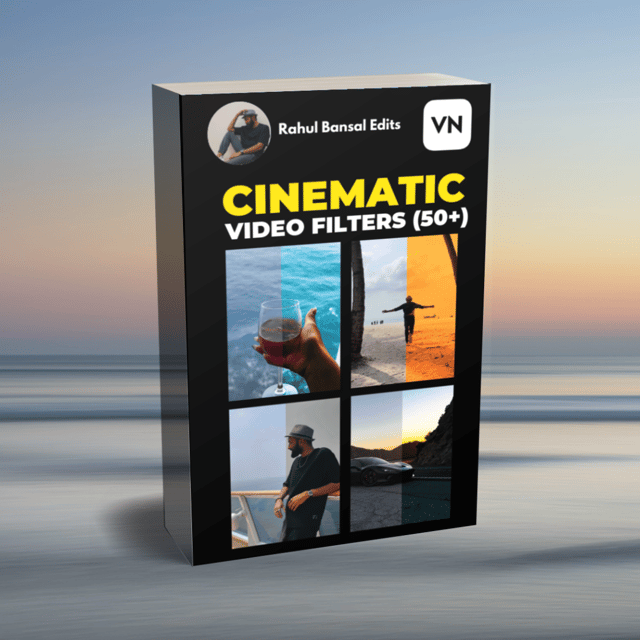
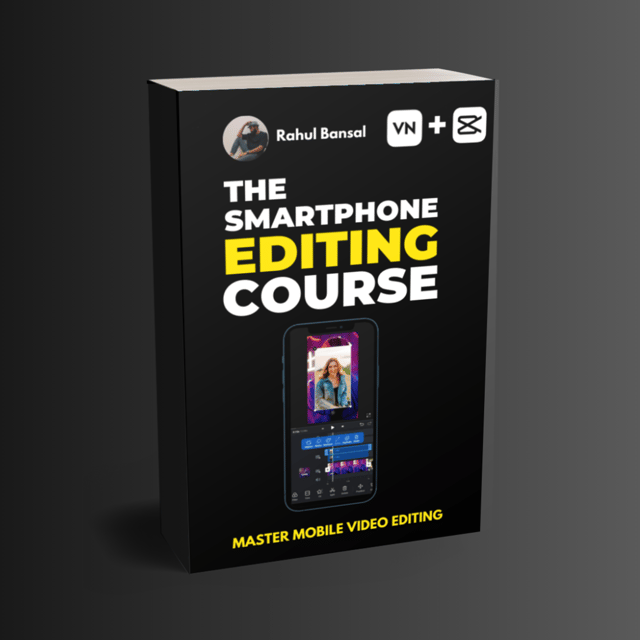
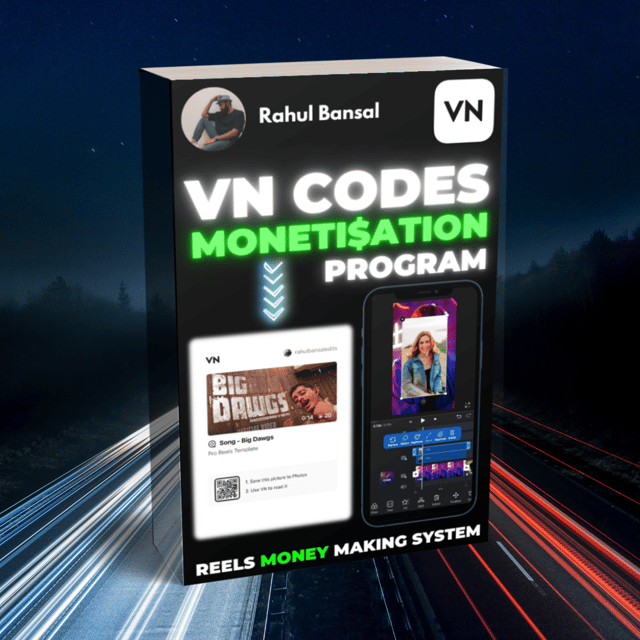
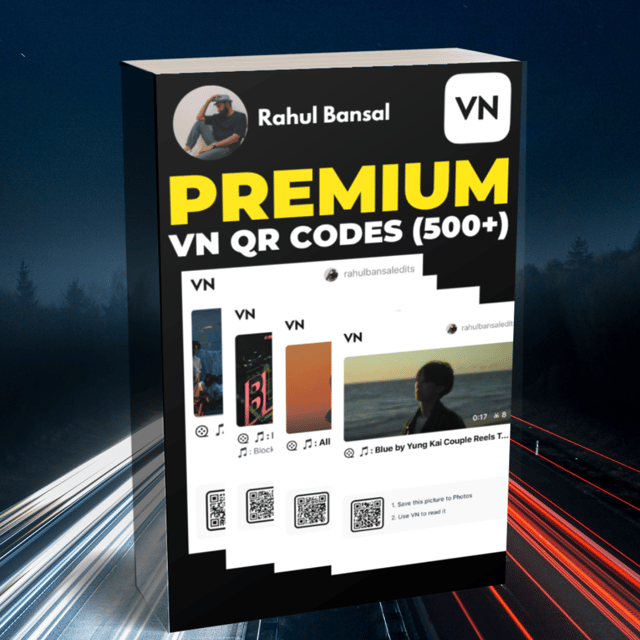
Complete Reels Creation Bundle 🚀
Frequently asked questions
Is video editing a good career in India?
Yes. Short-form video has exploded in India, and every brand, influencer, and small business needs reels and YouTube Shorts edited, so skilled editors are in constant demand. You can start with just a smartphone and free apps like VN or CapCut, take freelance projects, and later grow into full-time work, content monetization, or your own editing services — many editors today earn from both client work and their own pages.
Is video editing easy to learn?
The basics are easier than most people expect. Mobile apps like VN and CapCut are designed for beginners, so cutting clips, adding text, transitions, and trending audio can be learned within days of practice. Advanced skills such as keyframes, beat-synced edits, and colour grading take a few weeks of consistent practice, and a structured smartphone editing course helps you skip the trial-and-error phase.
What is the best video editing course for beginners?
For beginners, the best video editing course is one that teaches on the phone you already own using free apps like VN and CapCut, instead of expensive desktop software. Look for hands-on projects, ready-made templates or presets you can practise with, and direct access to the instructor for doubts. Checking the instructor's own Instagram work is the quickest way to judge whether they can teach the style you want to learn.
What are video editing course fees in India?
Fees depend on the format. Offline institute diplomas often cost tens of thousands of rupees and are aimed at film and TV careers, while online creator-led smartphone editing courses usually range from a few hundred to a few thousand rupees, and plenty of free tutorials exist on YouTube. If your goal is editing reels for Instagram or freelancing, an affordable mobile-focused course is usually all you need to start earning.
Where can I find a free online video editing course?
YouTube is the biggest source of free lessons on VN, CapCut, and mobile editing in general, and both apps also publish their own guides. The catch with free content is that it is scattered, so beginners often waste time piecing random tutorials together. A practical approach is to learn the basics for free, then move to a structured paid course once you get serious about editing reels or taking client work.
What is the VN Video Editor app?
VN (VlogNow) is a free video editing app available on Android, iOS, Windows, and Mac. It offers a multi-track timeline, keyframe animation, speed curves, filters and LUTs, and exports without a watermark, which is why it has become one of the most popular apps for editing Instagram reels on a phone. It also supports presets that can be shared between users as QR codes.
Is VN Video Editor free?
Yes. VN is free to download and use, and its core features — multi-track editing, keyframes, transitions, text, and HD export without a watermark — are available at no cost. A few premium filters or effect packs may be paid, but most creators edit complete reels using only the free features.
Is VN Video Editor safe to use?
Yes. VN is used by millions of creators worldwide and is officially listed on the Google Play Store and Apple App Store. As with any app, download it only from the official stores or VN's official website rather than third-party APK sites, and review the permissions it asks for.
What is a keyframe in VN Video Editor?
A keyframe is a marker that records a specific value — such as position, scale, opacity, or volume — at a particular point in a clip. When you set two keyframes with different values, VN automatically animates the change between them, creating effects like a slow zoom on a photo or a smooth pan across the frame. Keyframes are the secret behind most cinematic-looking reel effects.
How to use VN Video Editor in Hindi?
VN's tools work exactly the same way no matter what language you learn in, and there is no shortage of Hindi help available. You can follow Hindi-language VN tutorials on YouTube or join a smartphone editing course taught in Hindi by Indian creators, which walk you through everything from cutting clips and adding transitions to using keyframes and exporting reels step by step.
How to download VN Video Editor for Windows?
On a Windows 10 or 11 PC, download the desktop version of VN for free directly from VN's official website. The PC version mirrors the mobile app's interface, so your skills transfer easily between phone and laptop. Avoid third-party sites offering "mod" or cracked versions, as these can carry malware.
What is the CapCut editing app?
CapCut is a free video editing app for mobile and desktop, widely known for its trending templates, auto-captions, effects, and beat-synced transitions. It is especially popular for short-form content like Instagram reels and YouTube Shorts because beginners can produce polished edits in minutes using ready-made templates.
Is CapCut good for editing?
For short-form video, yes — CapCut is one of the fastest ways to create clean, trendy edits thanks to its templates, auto-captions, and effects library. For long-form or highly detailed projects, desktop software offers more control. Most reels creators rely on CapCut or VN, or both, for everyday mobile editing.
How to make a good CapCut edit?
Start by syncing your cuts to the beat of the audio, keep the edit tight (15–30 seconds works best for reels), and add auto-captions since most viewers watch without sound. Limit transitions to two or three so the edit feels smooth rather than chaotic, use a subtle keyframe zoom for polish, and export in 1080p. Recreating trending edits frame by frame is the fastest way to improve.
What are VN QR codes and how do you use them in reels?
In VN, a QR code stores a saved preset — a filter, LUT, or set of colour adjustments — that you can scan inside the app to apply the same look instantly. Creators share and sell VN QR codes in packs, such as bundles of 500+ cinematic presets with lifetime updates, so you can get consistent, professional colour grading on your reels without adjusting settings manually. To use one, open the filters or presets panel in VN and scan the QR code from another screen.